358
MONO SYNTH Voice Section
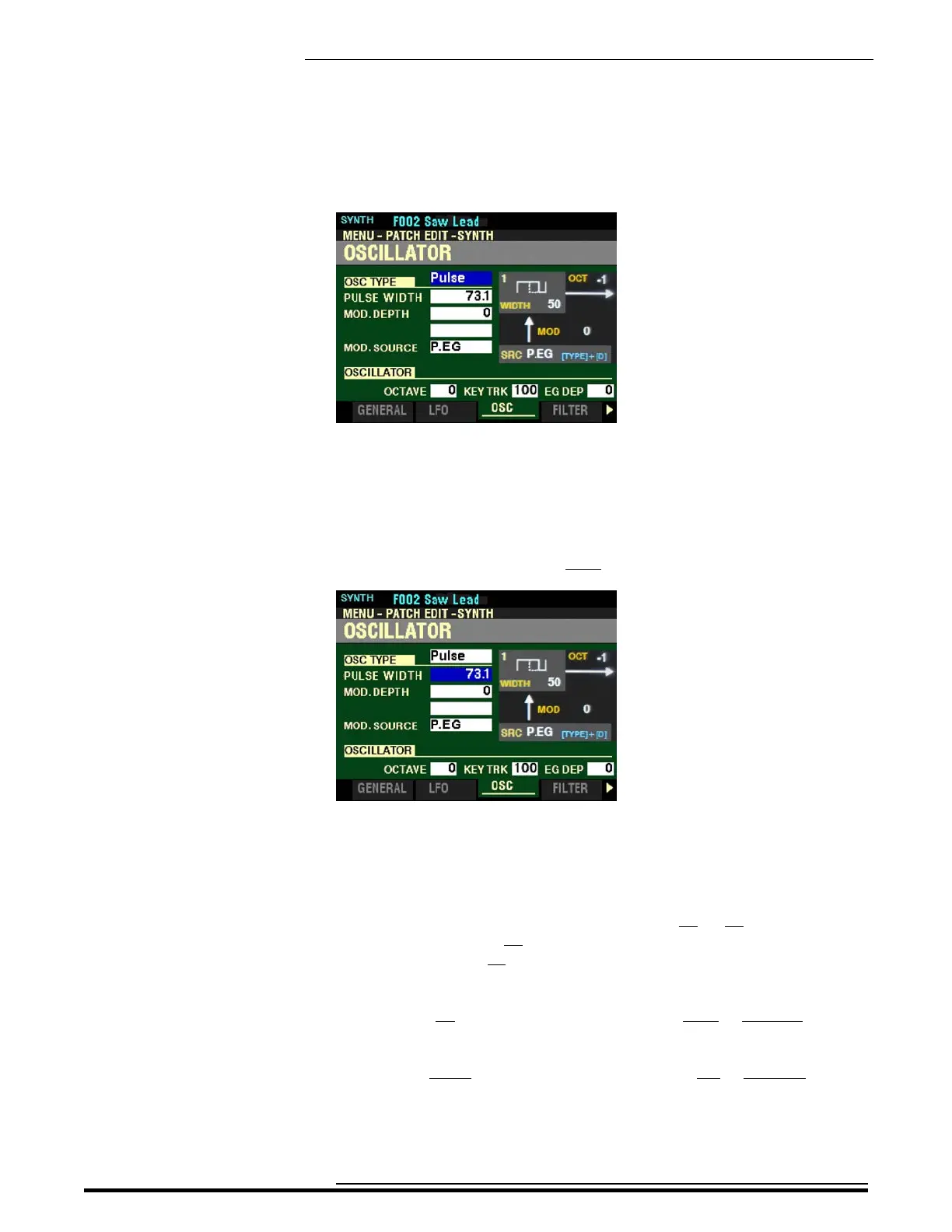
From the screen shown on the previous page, press the DIRECTION “p” button repeatedly until the
box to the right of “OSC TYPE is highlighted. Turn the VALUE knob so that “Pulse” displays in the
highlighted box.
Pulse
A Pulse (or rectangular) waveform has a variable width known as the “duty cycle.” The sound can be
modified by changing the pulse width or duty cycle. For example, a duty cycle of 50% will produce a
clarinet-like sound while a duty cycle of 90% will yield a bright, brass-like tone quality.
From the above screen, press the DIRECTION “q” button once.
The box to the right of “PULSE WIDTH” should be highlighted.
PULSE WIDTH
This Parameter allows you to adjust the Pulse Width. You can select from 50 to 98. These numbers
represent the duty cycle of the wave. A setting of 50 results in a Pulse Wave with a 50% duty cycle,
resulting in a clarinet-like sound, while a setting of 98 will result in a duty cycle of 98%, resulting in a thin
“stringy” tone quality.
Move the OSCILLATOR PITCH slider up or turn the VALUE knob to the right to increase the Pulse
Width.
Move the OSCILLATOR PITCH slider down or turn the VALUE knob to the left to decrease the Pulse
Width.
HA<O> SKX PRO Reference Guide



 To Next Page