8
Introduction
u Basic Controls
The panel controls on the SKX PRO include Drawbars, knobs, buttons and sliders. These controls allow
you to make adjustments and changes on the instrument.
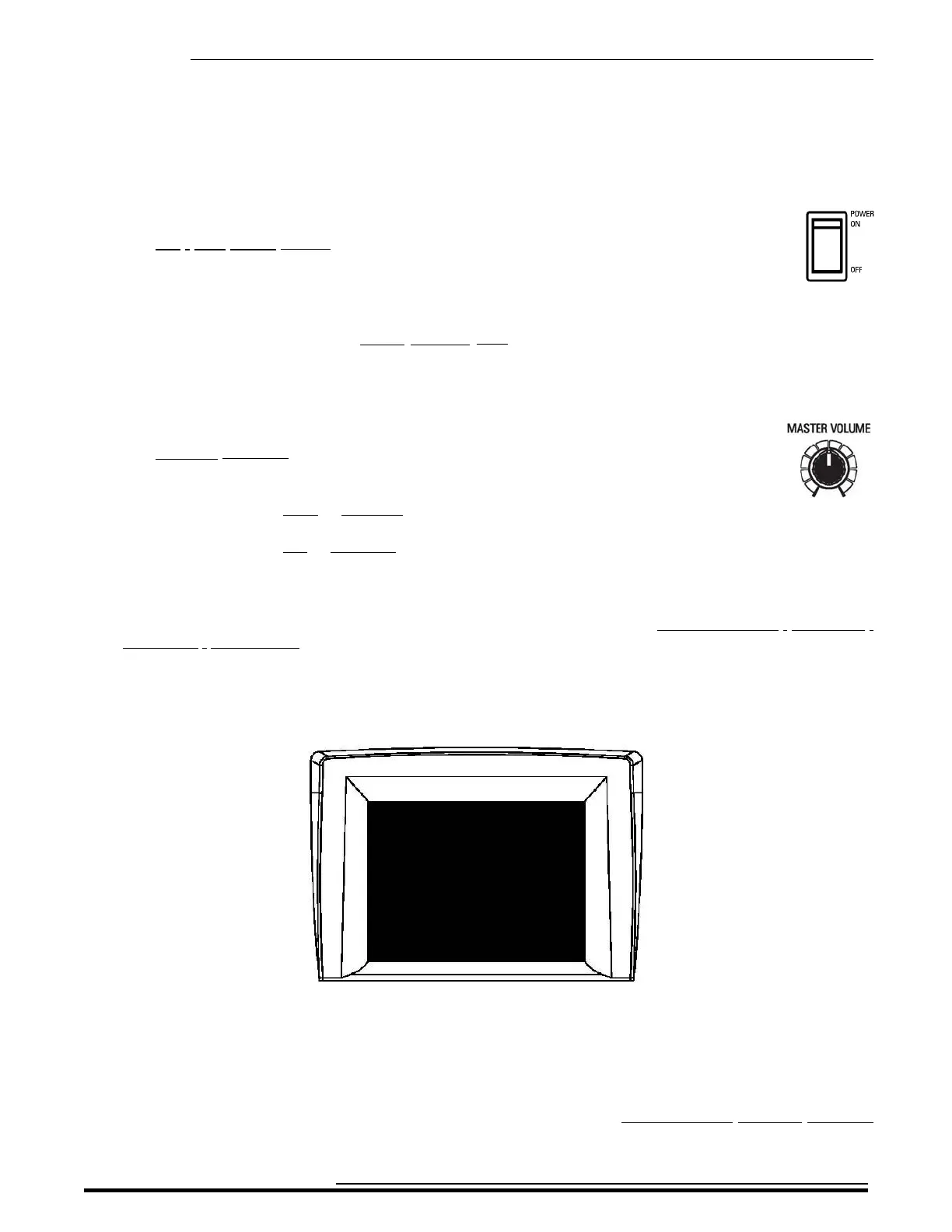
t ON / OFF Power Switch
The ON / OFF Power Switch is located at the rear of the instrument on the right side of the
Accessory Panel facing the keyboard. When this switch is in the "ON" (pushed in at the top)
position, the Information Center Display as well as some LED's (Light Emitting Diodes)
will light up showing that the instrument is "ON."
NOTE: The SKX PRO has an AUTO POWER OFF feature which automatically turns the power to the
instrument “OFF” if no keys or controls are used within a 30-minute period. See page 13 for more information
about this feature.
t MASTER VOLUME knob
The MASTER VOLUME knob is located on the extreme left of the Control Panel.
With this knob, you can control the total or maximum volume of the entire instrument.
Turn this knob to the right to increase the total volume.
Turn this knob to the left to decrease the total volume.
NOTE: If you have an Expression Pedal connected, it will express up to the amount determined by the setting
of the MASTER VOLUME knob as well as the Volume settings for each of the Voice Sections within the
Combinations. For more information about Combinations, please consult the COMBINATIONS / PATCHES /
BUNDLES / FAVORITES chapter of this Guide starting on page 52.
t Information Center Display
The Information Center Display is located in the center of the Control Panel.
The Information Center Display has three modes: (1) PLAY Mode, (2) MENU Mode and (3) FUNCTION
Mode. The PLAY Mode allows you to graphically see Drawbar settings, Extra Voice settings, Patch Numbers
and Patch Names. The MENU Mode allows you to access the various change and edit the 's software
parameters such as Drawbar Voicing, MIDI parameters and other advanced functions.
NOTE: The PLAY, MENU and FUNCTION Modes are covered in the INFORMATION CENTER DISPLAY
chapter of this Guide.
HA<O> SKX PRO Reference Guide



 To Next Page