466
Multi Effect 1
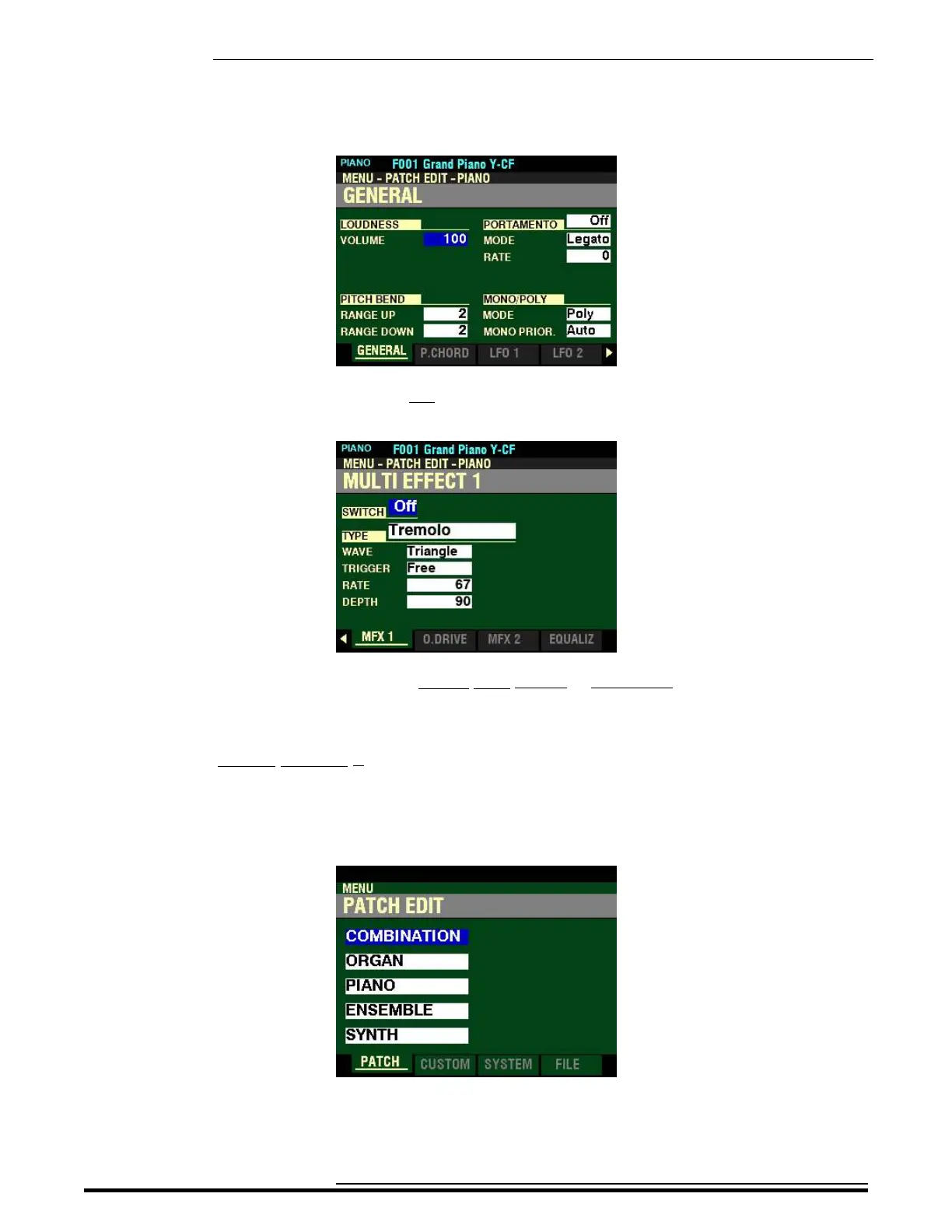
4. Press the ENTER button. The Information Center Display should now look like this:
5. Press the PAGE “u” button five times. The Information Center Display should now look like
this:
You are now in Page 6 of the PATCH EDIT -PIANO or ENSEMBLE FUNCTION Mode. You can
now use the DIRECTION and PAGE buttons in conjunction with the VALUE knob to make
various changes to the characteristics of the PIANO or ENSEMBLE sounds.
t Accessing the MULTI EFFECT 1 FUNCTION Mode Page for the MONO SYNTH Voice Section
using the MENU/EXIT button:
1. From any of the PLAY Mode Pages, press the MENU/EXIT button. The Information Center
Display should now look like this:
The “COMBINATION” box should be highlighted.
HA<O> SKX PRO Reference Guide



 To Next Page