116
Patches
t Recording a User Patch to a Combination
After you have created and Recorded a User Patch, you can then create and Record a User Combination
containing your User Patch or Patches. This is explained starting below.
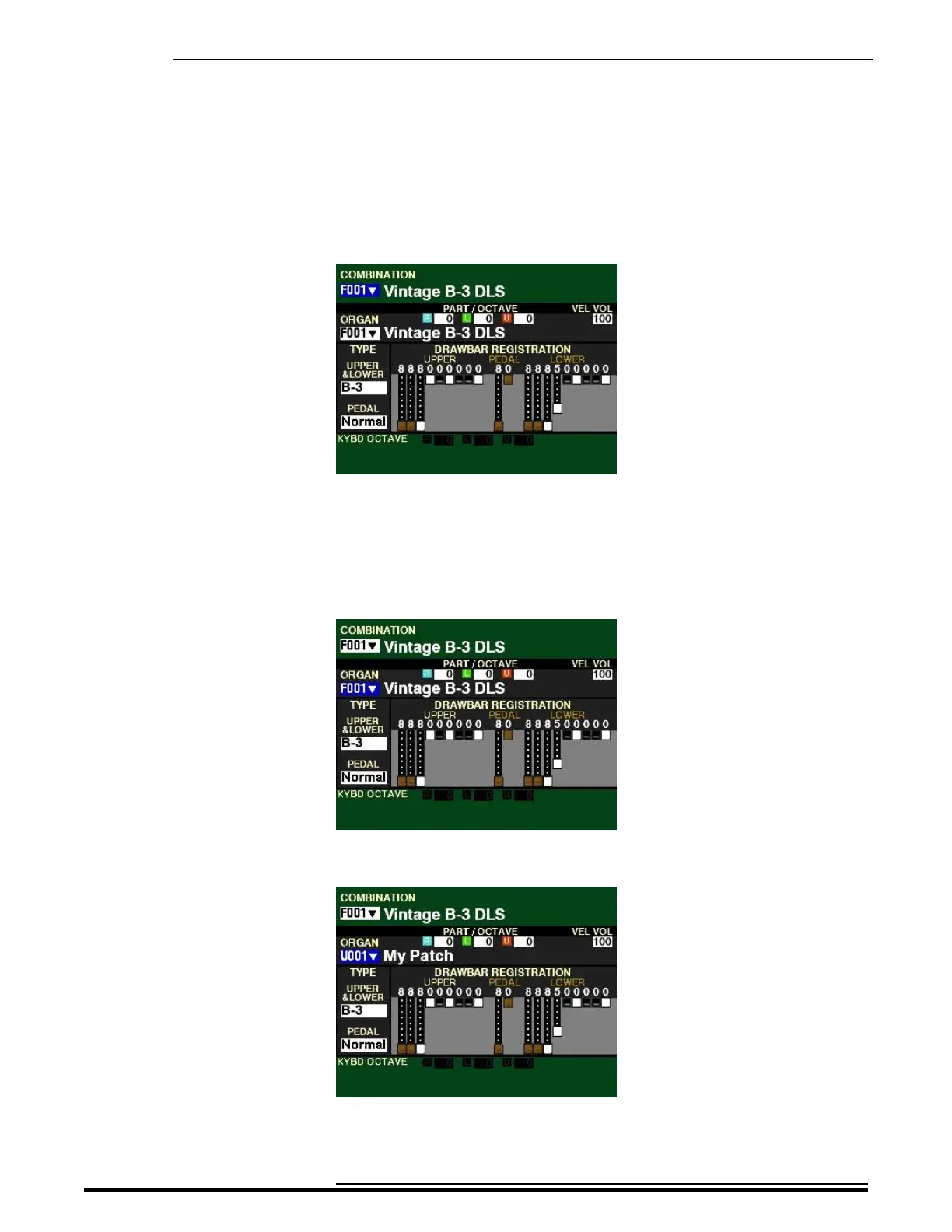
1. Select a Combination.
2. Use the DIRECTION “q” button to highlight the Voice Section containing the Patch you want
to include in your User Combination.
NOTE: If you want to include a Patch from a Voice Section not shown in the display, turn the
ALLOCATE button for that Voice Section “ON” and use the DIRECTION “q” or “p” buttons to
highlight the Voice Section you want.
3. Use the VALUE knob to select the User Patch you want to include in your User Combination.
HA<O> SKX PRO Reference Guide



 To Next Page