441
CUSTOM SETS - Pipe
NOTE: The colors shown in the figures on the previous page are the ones shown in the Information Center
Display when the Pipe - Theatre Organ Types are selected.
IMPORTANT NOTE: When “Pipe” mode is activated, the Drawbars will function similar to the stop tablets
on a theatre pipe organ - pulling a Drawbar “out” will turn the associated Pipe Voice “ON” while pushing the
Drawbar “in” will turn the Pipe Voice “OFF.” The Pipe Voices do not have gradations of volume - they are either
“ON” or “OFF.”
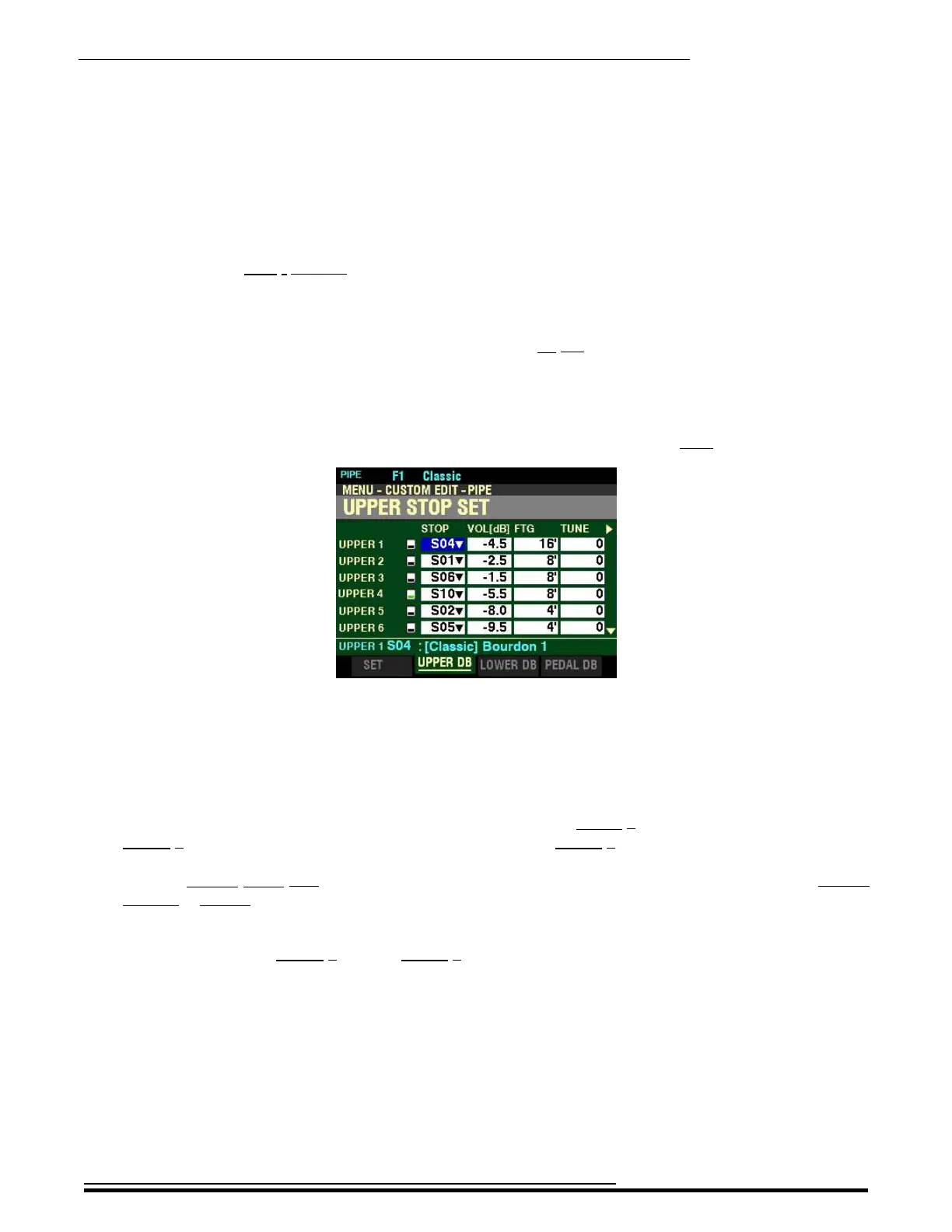
t STOP SET
From the screen shown at the bottom of page 439, press the PAGE “u” button once.
The box underneath “STOP” should be highlighted.
STOP
This Parameter allows you to select the Pipe Voice or Stop to be assigned to each Drawbar.
The designations to the left represent the Drawbars - for example, UPPER 1, refers to the first brown Drawbar,
UPPER 2 refers to the second brown Drawbar, and so on until UPPER 9 which is the last white Drawbar.
NOTE: UPPER STOP SET is shown; however, you can use the PAGE “t” and “u” buttons to select UPPER,
LOWER or PEDAL Stop Sets.
Use the DIRECTION “p” and “q” buttons to move up and down through the Drawbar assignments. You
can select from UPPER 1 through UPPER 9.
The data chart on the next page shows the available Pipe Voices.
HA<O> SKX PRO Reference Guide



 To Next Page