464
Multi Effect 1
t Accessing the MULTI EFFECT 1 FUNCTION Mode Page for the PIANO / ENSEMBLE Voice
Sections using the Shortcut:
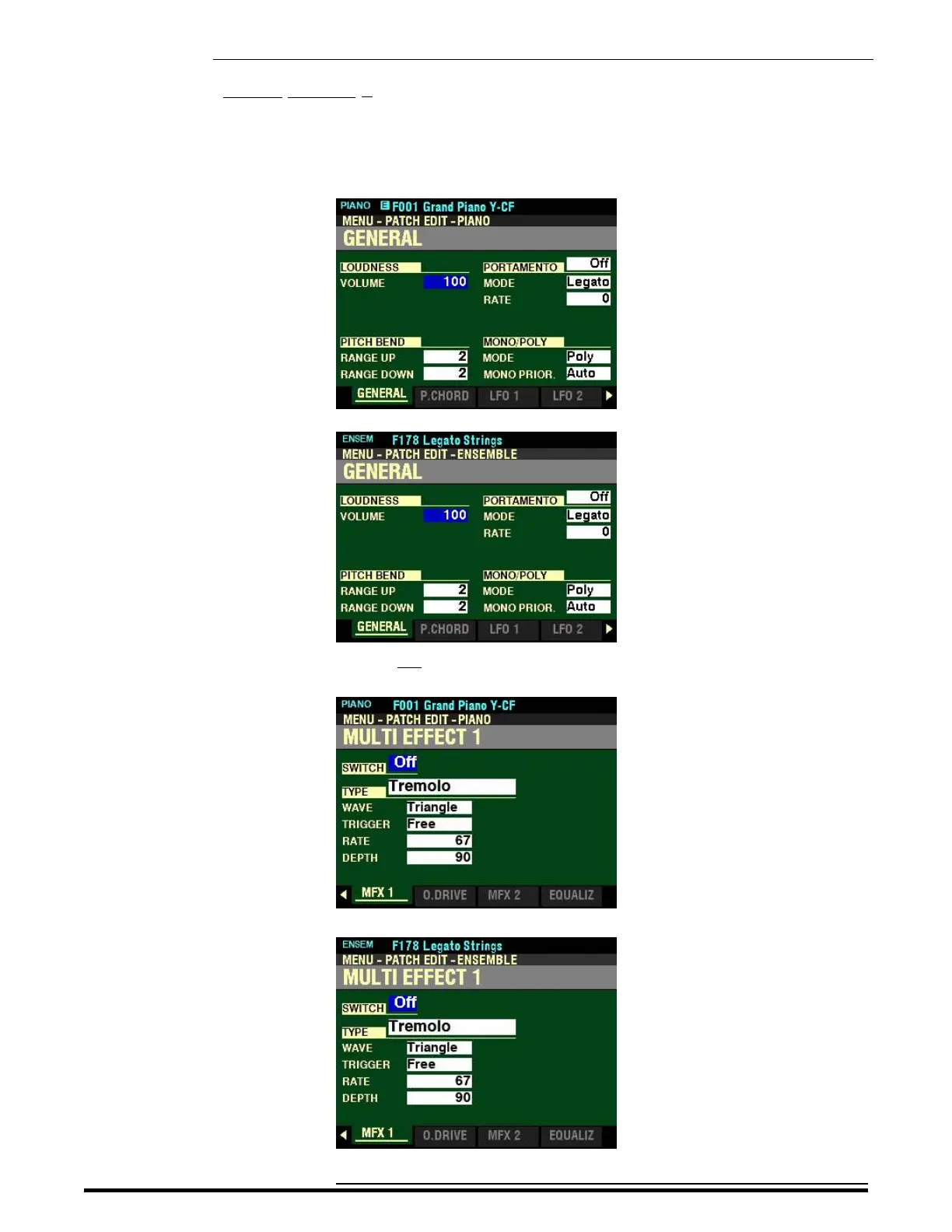
1. Press and Release the EDIT button in either the PIANO or ENSEMBLE Voice Section, depending on
which Section you want to edit. The Information Center Display should now look like this:
PIANO Voice Section:
ENSEMBLE Voice Section:
2. Press the PAGE “u” button five times. The Information Center Display should now look like this:
PIANO Voice Section:
ENSEMBLE Voice Section:
HA<O> SKX PRO Reference Guide



 To Next Page