59
Combinations
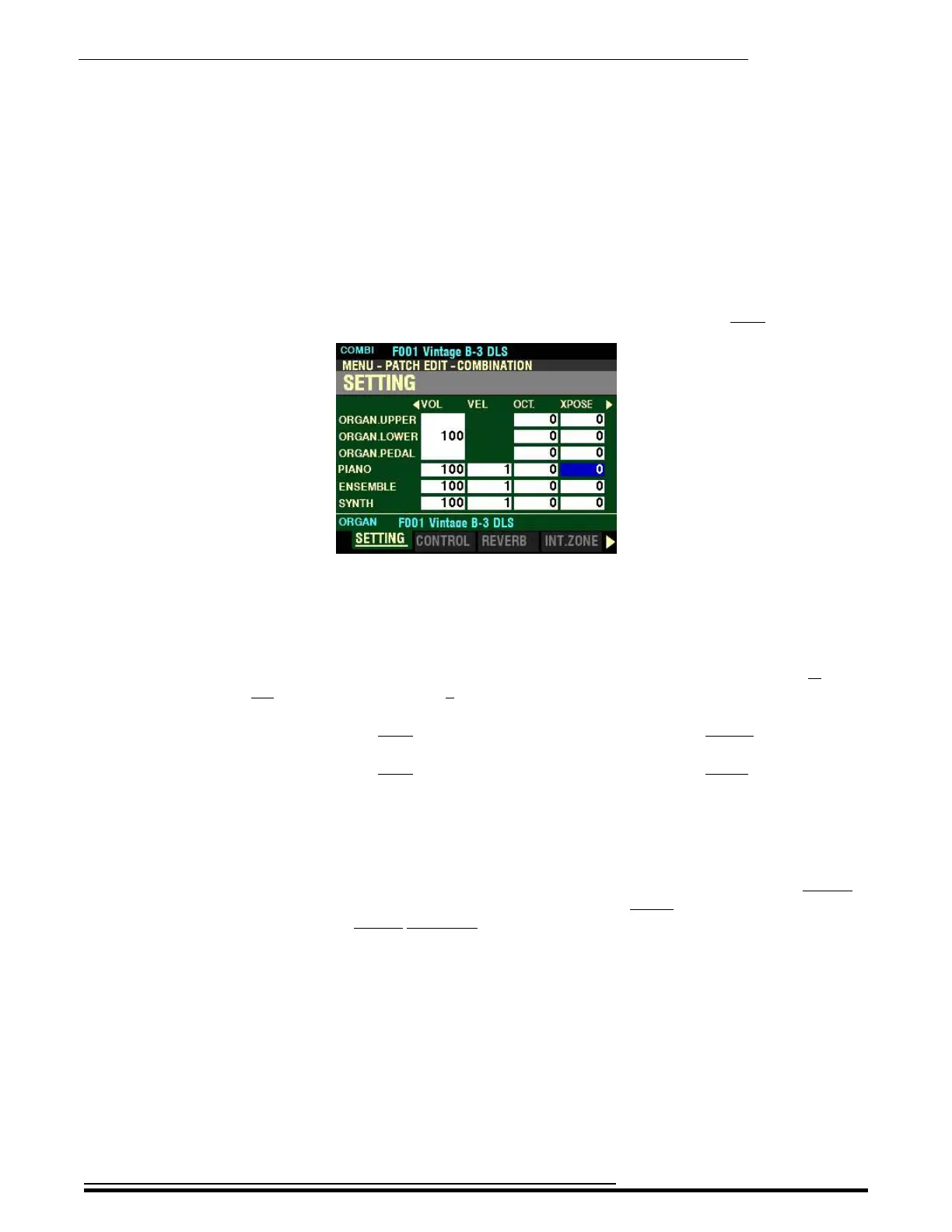
From the screen shown on the previous page, press the DIRECTION “u” button once.
The box underneath “XPOSE” should be highlighted.
XPOSE - Transpose
This Parameter allows you to shift the musical key of the selected Section. You can select from -6 (down
six semitones) to +6 (up six semitones). At 0 there is no transposition.
Turn the VALUE knob to the right to transpose the selected Voice Section higher.
Turn the VALUE knob to the right to transpose the selected Voice Section lower.
NOTE: This Parameter works independently of the TRANSPOSE feature controlled by the TRANSPOSE
/ UP / DOWN buttons on the Control Panel.
NOTE: This Parameter can be Recorded as part of a Combination. The TRANSPOSE function
controlled by the buttons on the Control Panel transposes the entire instrument and its setting cannot be
Recorded as part of a Combination, but can be saved as part of a Setup. For more information about
Setups, please consult the USING MEMORY chapter of this Guide starting on page.689.
HA<O> SKX PRO Reference Guide



 To Next Page