502
Overdrive
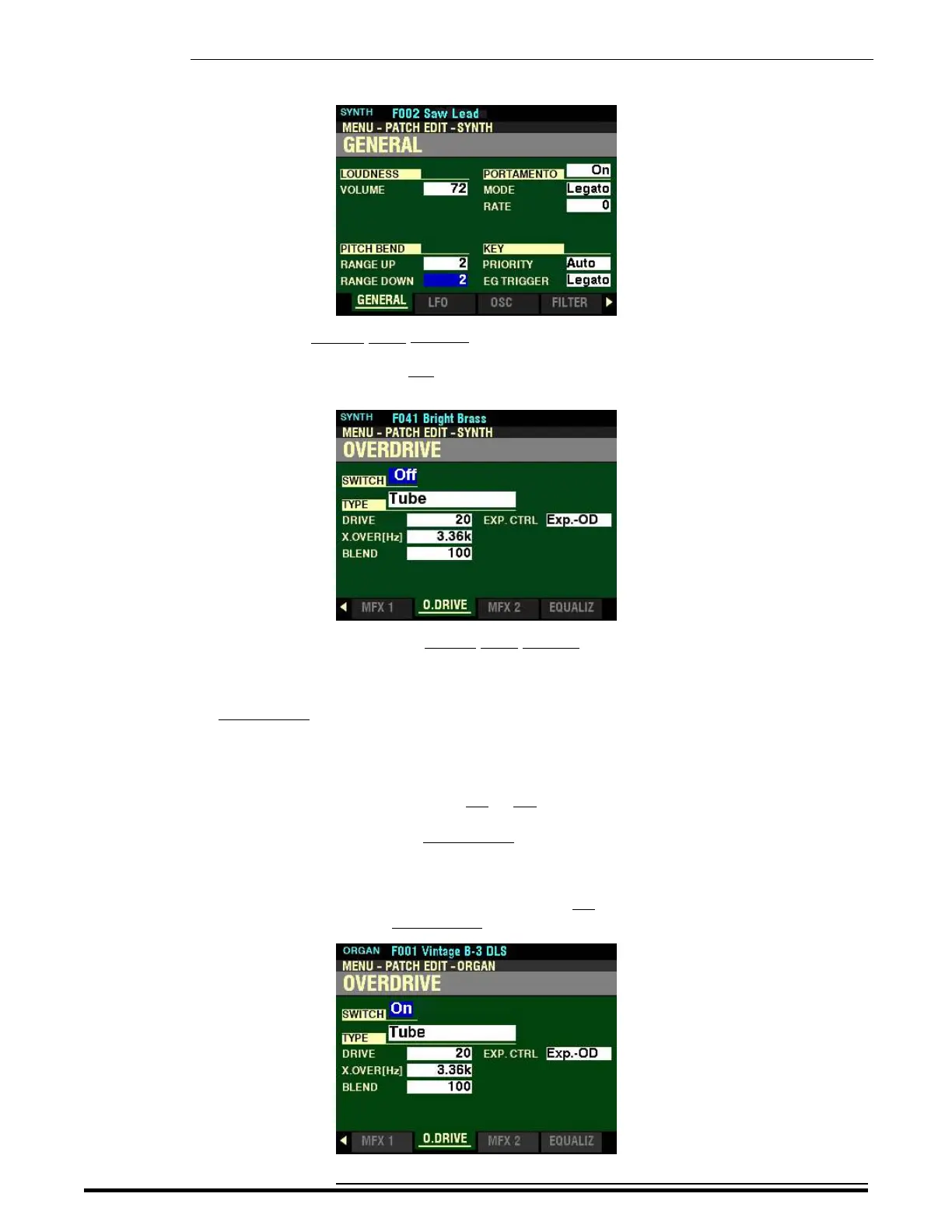
4. Press the ENTER button. The Information Center Display should now look like this:
Page 1 of the PATCH EDIT -SYNTH FUNCTION Mode should now display.
5. Press the PAGE “u” button five times. The Information Center Display should now look like
this:
You are now in Page 6 of the PATCH EDIT -SYNTH FUNCTION Mode. You can now use the
DIRECTION and PAGE buttons in conjunction with the VALUE knob to make various changes
to the characteristics of the Overdrive for the MONO SYNTH.
NOTE: The OVERDRIVE Parameters are identical for all Voice Sections. To avoid confusing repetition, the
ORGAN Voice Section will be used as the basis for the explanations of these Parameters.
SWITCH
This Parameter allows you to turn OVERDRIVE On or Off.
NOTE: This is a “MASTER ON / OFF” for OVERDRIVE.
Turn the VALUE knob to turn OVERDRIVE “On” or “Off.”.
For the following explanations, turn the OVERDRIVE SWITCH On. This is so you can select and hear the
changes to the characteristics for the OVERDRIVE as you make them.
HA<O> SKX PRO Reference Guide



 To Next Page