653
Special Utility Features
t IS ACTIVE
This FUNCTION Mode Page allows you to see which peripheral devices are connected.
The data chart below explains the different screen messages.
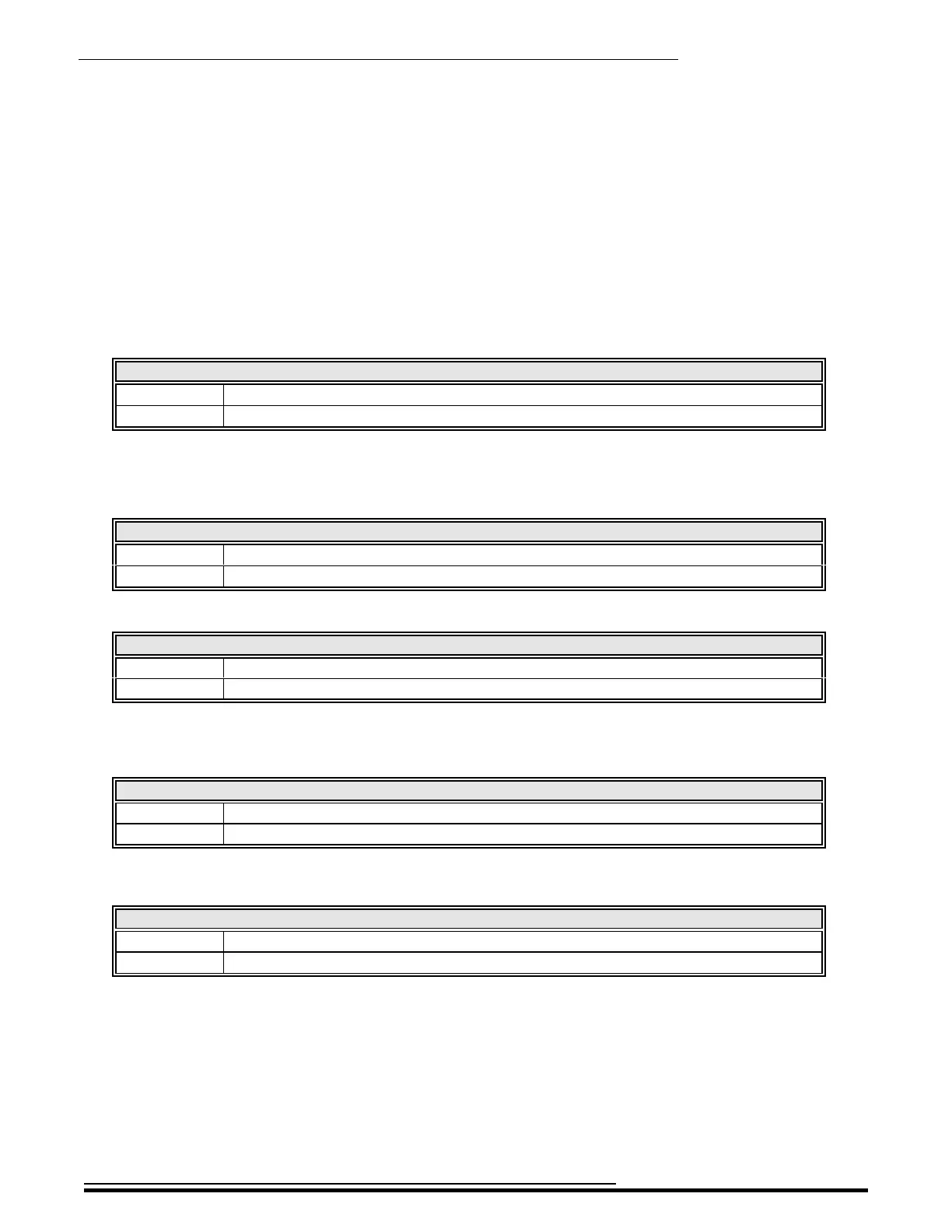
LINE OUT
Mono Only the L/MONO jack is connected.
Stereo Both the L/MONO and R jacks are connected.
NOTE: The full effect of the sounds produced by the SKX PRO is best heard in Stereo (both LINE OUT jacks
connected to two sound sources physically separated). If only the L/MONO jack is connected, the “Pan” function
will not be heard.
LESLIE
No A Leslie Speaker cabinet is not connected via the 11-pin Leslie socket.
Yes A Leslie Speaker cabinet is connected via the 11-pin Leslie socket.
MIDI IN
No A MIDI device is not connected via the MIDI IN Port.
Yes A MIDI device is connected via the MIDI IN Port.
NOTE: This shows the receiving condition of the “Active Sense” message. It may display “No” even if
connected if the connected device cannot send an Active Sense message (such as the XPK-100 Pedal clavier).
USB FLASH DRIVE
No A USB Flash Drive is not present at the TO FLASH DRIVE Port.
Yes A USB Flash Drive is present at the TO FLASH DRIVE Port.
NOTE: Use this Parameter to determine if a USB Flash Drive is compatible with the SKX PRO.
USB TO HOST
No A USB cable is not connected to the TO HOST port.
Yes A USB cable is connected to the TO HOST port.
HA<O> SKX PRO Reference Guide


 To Next Page