491
Overdrive
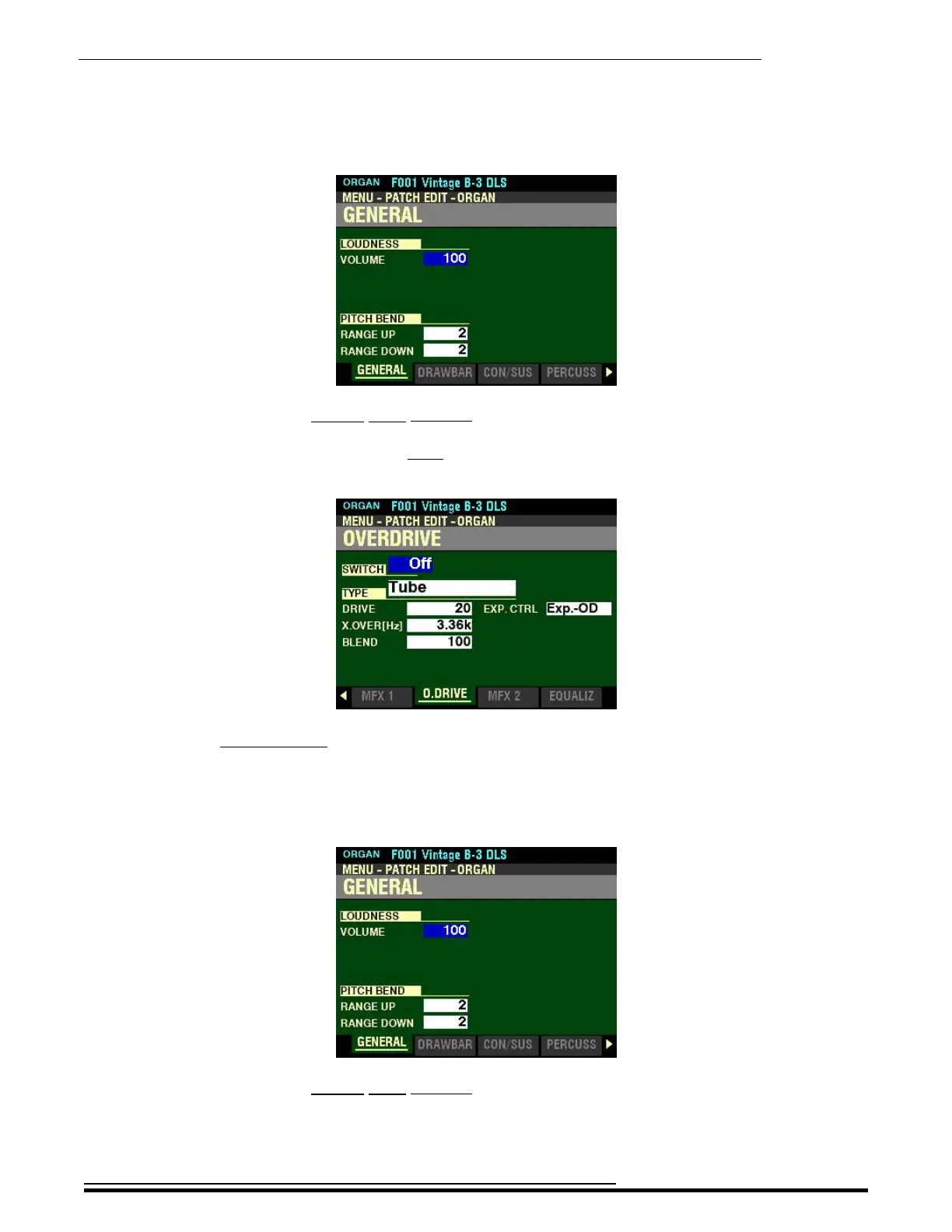
3. Press the ENTER button. The Information Center Display should now look like this:
Page 1 of the PATCH EDIT -ORGAN FUNCTION Mode should now display.
4. Press the PAGE “u” button eight times. The Information Center Display should now look like
this:
t Accessing the OVERDRIVE FUNCTION Mode Page for the ORGAN Voice Section using the
Shortcut:
1. Press and Release the EDIT button in the ORGAN Voice Section. The Information Center
Display should now look like this:
Page 1 of the PATCH EDIT -ORGAN FUNCTION Mode should now display.
HA<O> SKX PRO Reference Guide



 To Next Page