557
Special Performance Features
3. Press and Hold the LOWER button and press the DOWN button once. The boxes to the right
of “KYBD OCTAVE” will once again be “greyed out” and the LOWER Keyboard will now play
at the normal octave.
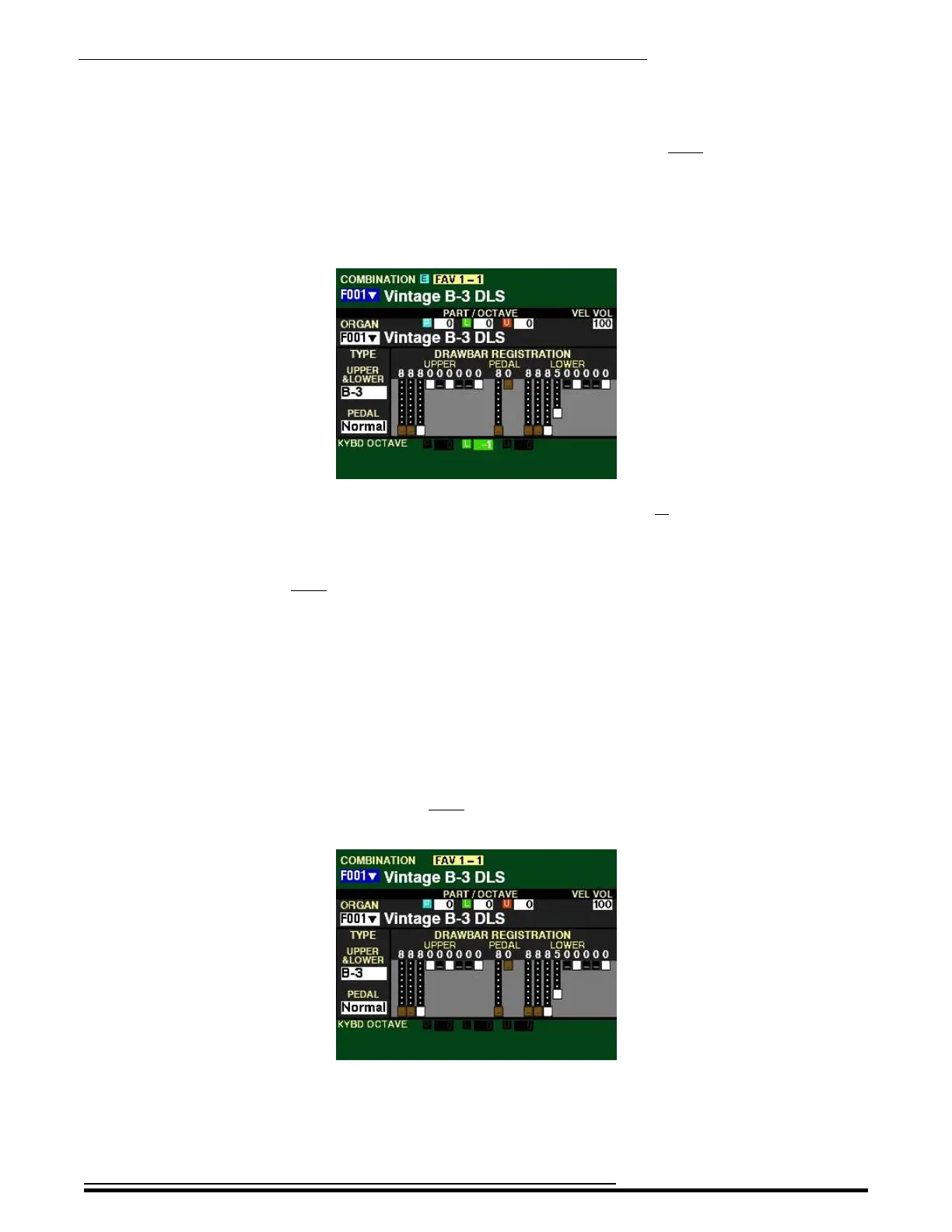
4. Press and Hold the LOWER button and press the DOWN button once more. The Information
Center Display should show the following:
Notice the box to the right of the green box “L” now displays -1. The LOWER Keyboard will
now play one octave lower.
5. To return the instrument to concert pitch, Press and Hold the LOWER button and press the
UP button once. All the boxes to the right of “KYBD OCTAVE will be “greyed out,” and the
LOWER Keyboard will now play at the normal octave.
t Changing the Octave for the PEDALs:
NOTE: The PEDAL TO LOWER button must be “ON” (orange LED lit) or a MIDI Pedal clavier must be
connected in order to hear these changes.
TRY THIS:
1. Make sure the instrument is un-transposed or playing in “concert” pitch (TRANSPOSE” button
LED not lit) and Combination F001 is selected. The Information Center Display should look
like this:
Notice the boxes to the right of “KYBD OCTAVE” are “greyed out..”
HA<O> SKX PRO Reference Guide



 To Next Page