335
MONO SYNTH Voice Section
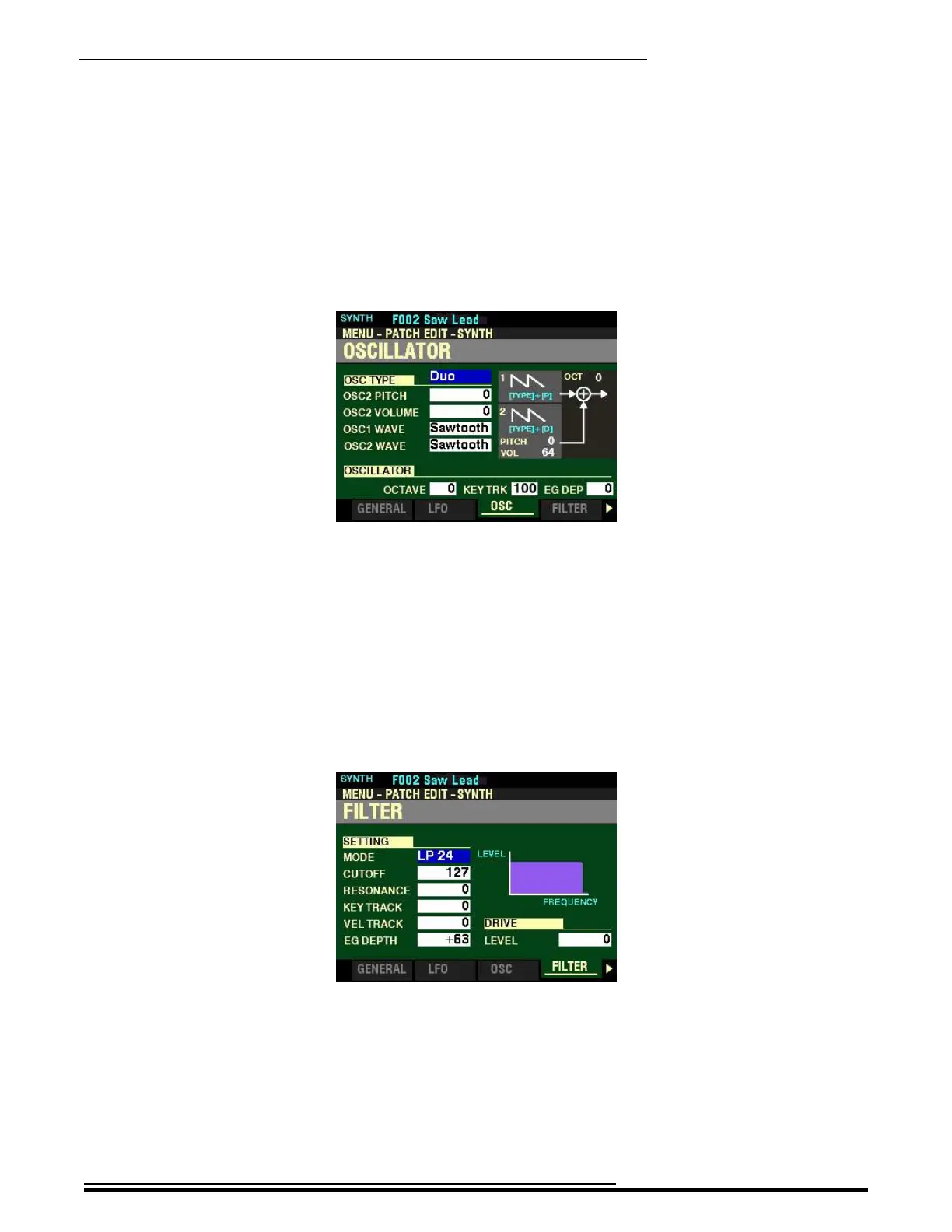
Accessing the OSCILLATOR Page:
1. Press and Hold the SHIFT button.
2. While holding the SHIFT button, move either of the two OSCILLATOR Sliders. The
Information Center Display will look similar to this:
3. Release the SHIFT button.
A complete explanation of the OSCILLATOR Parameters can be found starting on page 347.
Accessing the FILTER Page:
1. Press and Hold the SHIFT button.
2. While holding the SHIFT button, move any of the three FILTER Sliders. The Information
Center Display will look similar to this:
3. Release the SHIFT button.
A complete explanation of the FILTER Parameters can be found starting on page 370.
HA<O> SKX PRO Reference Guide



 To Next Page