2
Introduction
INTRODUCTION
u Front Panel
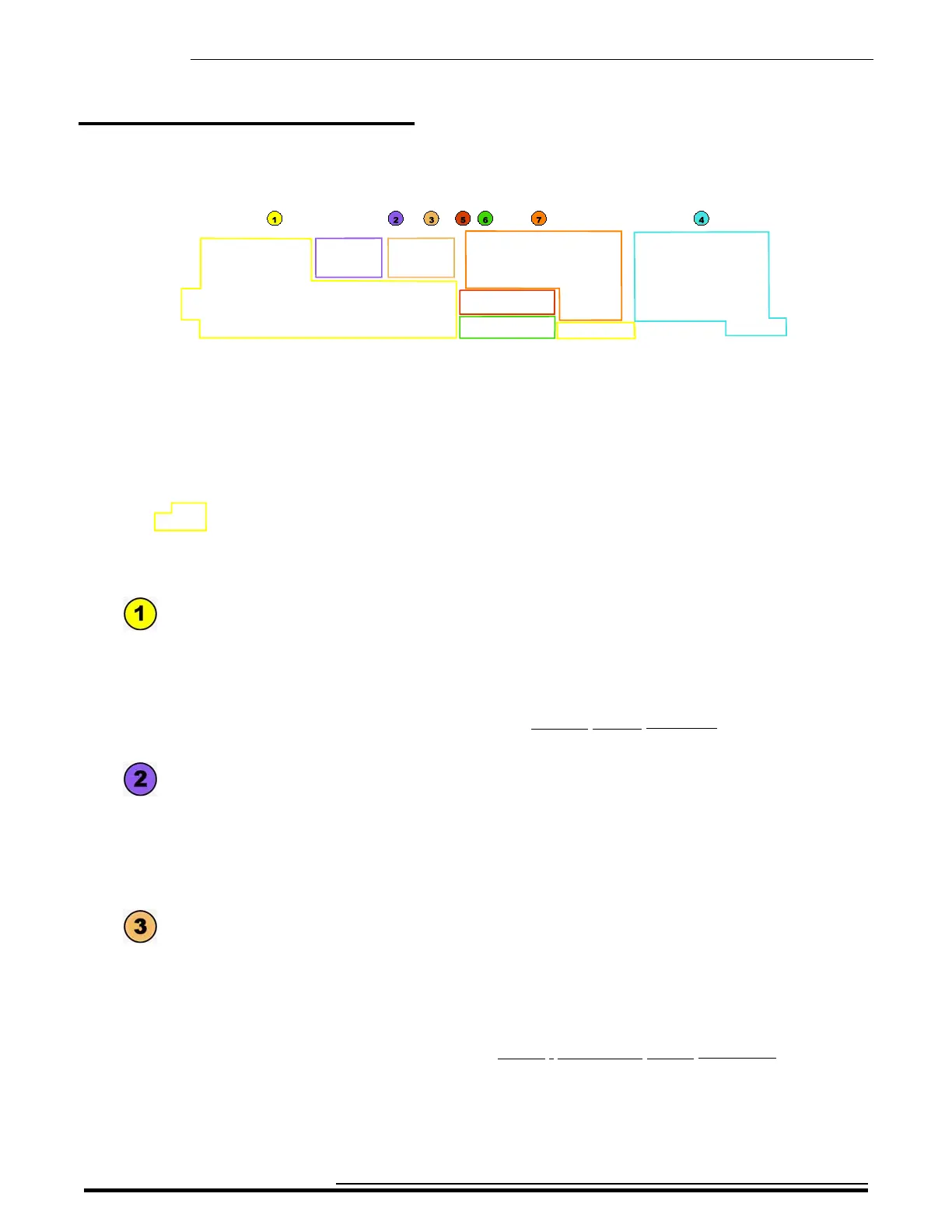
The main sections of the Control Panel are outlined above. The following is a brief description of each one.
- t ORGAN Voice Section
This section is used to control the ORGAN sounds which consist of classic Hammond Drawbar
tones as well as Transistor Combo Organ and authentic Pipe Organ tones. The ORGAN Voice
Section includes the Drawbars, Touch-Response Percussion and Vibrato and Leslie animation.
as well as an EDIT button for accessing editable Parameters quickly and a separate Volume
control. This is explained more fully in the ORGAN VOICE SECTION chapter of this Guide
starting on page 144.
- t PIANO Voice Section
The SKX PRO has an inbuilt library of 163 high-quality waveforms representing various
instruments such as Piano, Guitar, Strings, Trumpet, Saxophone, etc. There are two sections
for controlling these sounds. The PIANO Voice Section can be used to control Piano and
other Keyboard sounds. The front panel controls consist of six Category buttons plus an EDIT
button for accessing editable Parameters quickly and a separate Volume control.
- t ENSEMBLE Voice Section
This section also accesses the library of digital voices and can be used to control sounds such
as Strings, Vocals, Guitar, Wind instruments, etc. The front panel controls consist of six
Category buttons plus an EDIT button for accessing editable Parameters quickly and a
separate Volume control.
NOTE: For more information consult the PIANO / ENSEMBLE VOICE SECTIONS chapter of this
Guide starting on page 234.
HA<O> SKX PRO Reference Guide



 To Next Page