62
Combinations
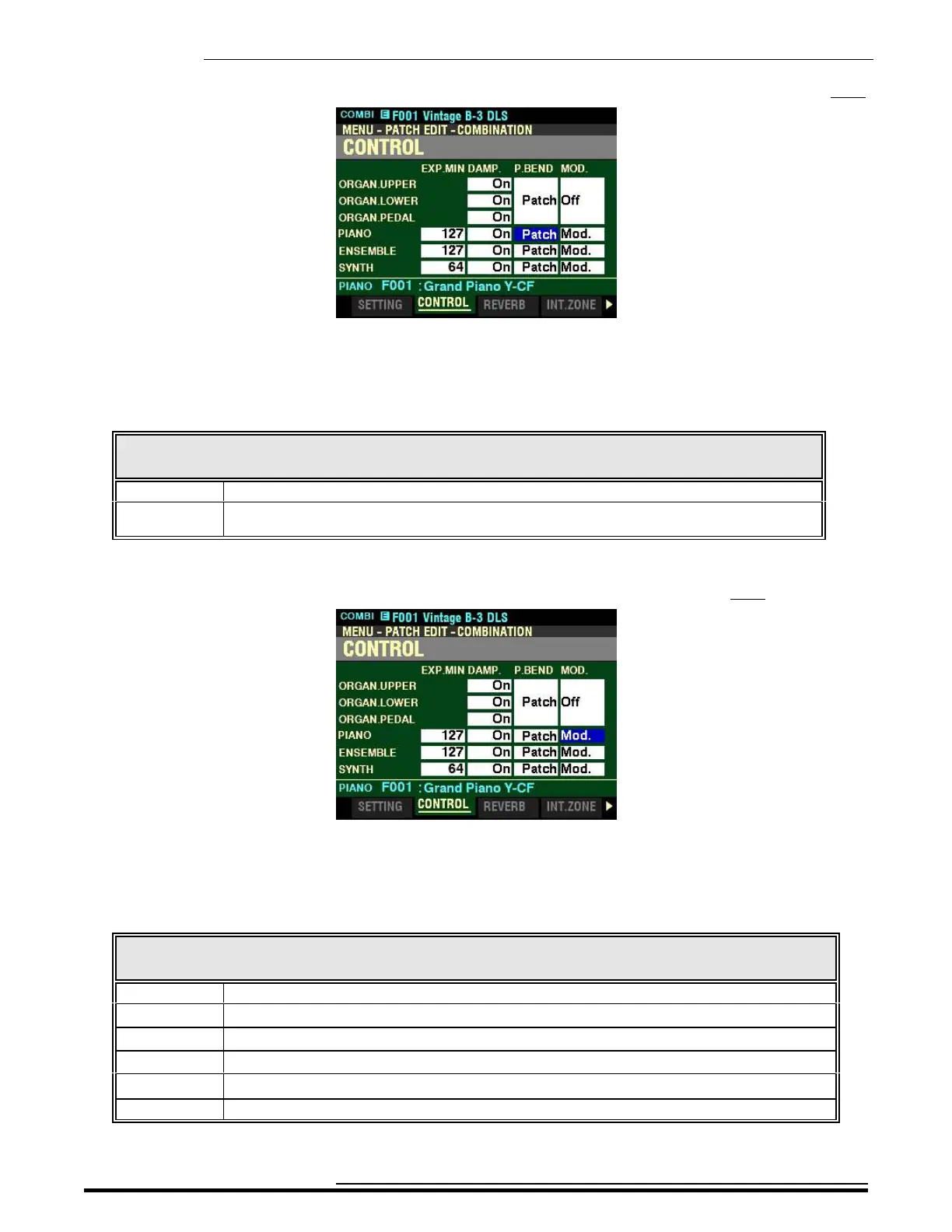
From the screen shown at the bottom of the previous page, press the DIRECTION “u” button once.
The box underneath “P.BEND” should be highlighted.
P.BEND - Pitch Bend
This Parameter allows you to adjust the range of the Pitch Bend Wheel. The data chart below shows the
options you can select.
PITCH BEND Options
Parameter Description
Patch A separate Pitch Bend Range can be set for each Patch.
0 ~ 12 The Pitch Bend Range settings for the individual Voice Sections are overridden and one Pitch
Bend Range setting is applied to all Voice Sections universally.
Turn the VALUE knob to make your selection.
From the screen shown on the previous page, press the DIRECTION “u” button once.
The box underneath “MOD” should be highlighted.
MOD - Modulation Wheel
This Parameter allows you to select the function for the MODULATION wheel for each Section. The data
chart below shows the options you can select.
MODULATION WHEEL Options
Parameter Description
Off The MODULATION wheel has no function.
Mod. Adds Modulation to the selected Section.
Les Controls the speed of the Leslie. (NOTE: This setting affects the ORGAN Voice Section only.)
OD Controls the amount of OVERDRIVE.
MFX 1 Controls the amount of the selected MULTI EFFECTS 1 setting.
MFX 2 Controls the amount of the selected MULTI EFFECTS 2 setting.
Turn the VALUE knob to make your selection.
HA<O> SKX PRO Reference Guide



 To Next Page