528
Multi Effect 2
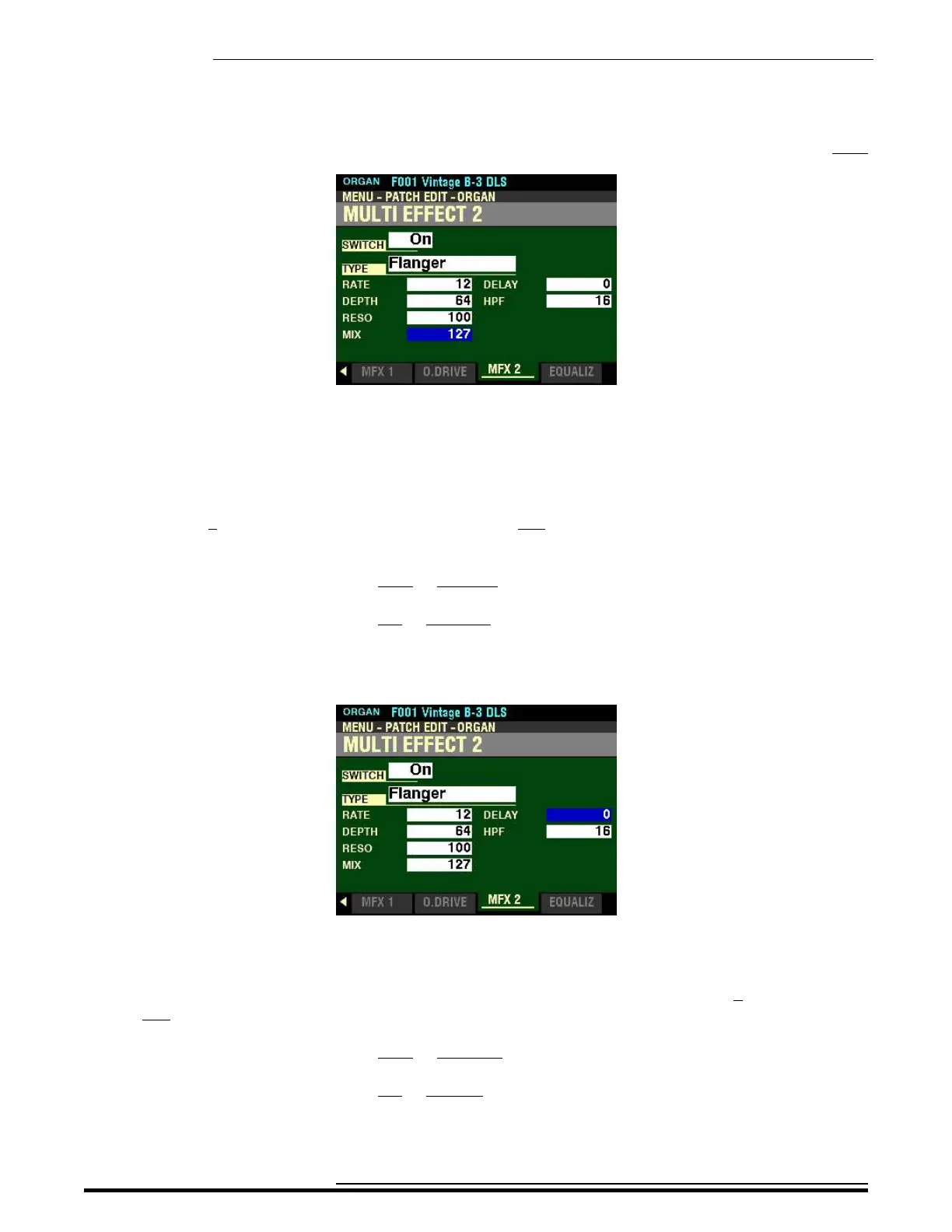
From the screen shown at the bottom of the previous page, press the DIRECTION “q” button once.
The box to the right of “MIX” should be highlighted.
MIX
This Parameter allows you to adjust the balance between the “dry” sound and the Flange effect. You can
select from 0 (“dry” sound only - no Flange effect) to 127 (the dry sound and the Flanged sound are at
equal levels).
Turn the VALUE knob to the right to increase the amount of Flanged signal.
Turn the VALUE knob to the left to decrease the amount of Flanged signal.
From the above screen, use the DIRECTION “p” and “u”buttons to highlight the box to the right of
“DELAY.”
DELAY
This Parameter allows you to set the delay of the Flange effect. You can select from 0 (minimum delay)
to 127 (maximum delay).
Turn the VALUE knob to the right to lengthen the Delay.
Turn the VALUE knob to the left to shorten the Delay.
HA<O> SKX PRO Reference Guide



 To Next Page