328
MONO SYNTH Voice Section
t OCT
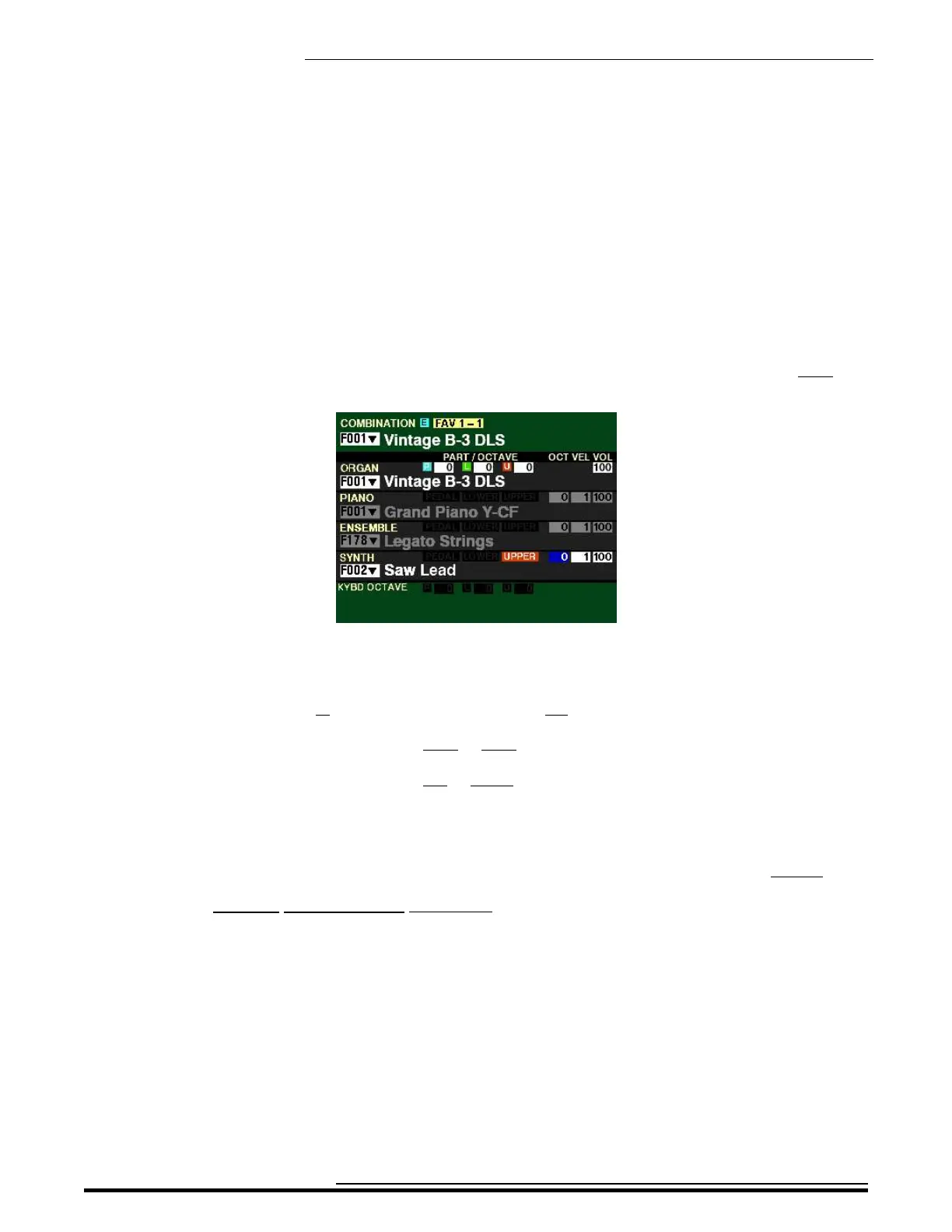
From the screen shown in the middle of the previous page, press the DIRECTION “u” button once. The
Information Center Display should now look like this:
The box underneath “OCT” should now be highlighted.
You can now use the VALUE knob to select the Octave range in which the MONO SYNTH will play.
You can select from -2 (up to two octaves down) to +2 (up to two octaves up).
Turn the VALUE knob to the right to raise the Octave.
Turn the VALUE knob to the left to lower the Octave.
NOTE: The function of this Parameter is duplicated by the OCTAVE buttons in the MONO SYNTH
section. For more information consult page 322.
NOTE: The actual sounding octave will be the sum of this Parameter plus the Octave setting
controlled by the OCTAVE buttons on the Control Panel. For more information, please consult the
SPECIAL PERFORMANCE FEATURES chapter of this Guide starting on page 554
HA<O> SKX PRO Reference Guide



 To Next Page