15
Introduction
u Recording a System Setup
The previous pages explain how to disable the AUTO POWER OFF feature of your SKX PRO. This feature
will be disabled as long as the power to the instrument is “ON.” However, if you turn the instrument
“OFF.” then “ON” again, your setting will not be remembered.
You can Record a Custom Setup in which this feature is set to Disable and will remain so even if the power
in turned “OFF.” In this way, you will not have continually to edit this feature each time the instrument
is turned “ON.”
To Record a Custom Setup with AUTO POWER ON set to Disable, do the following:
1. Follow the steps on the previous two pages to set the AUTO POWER OFF feature to Disable.
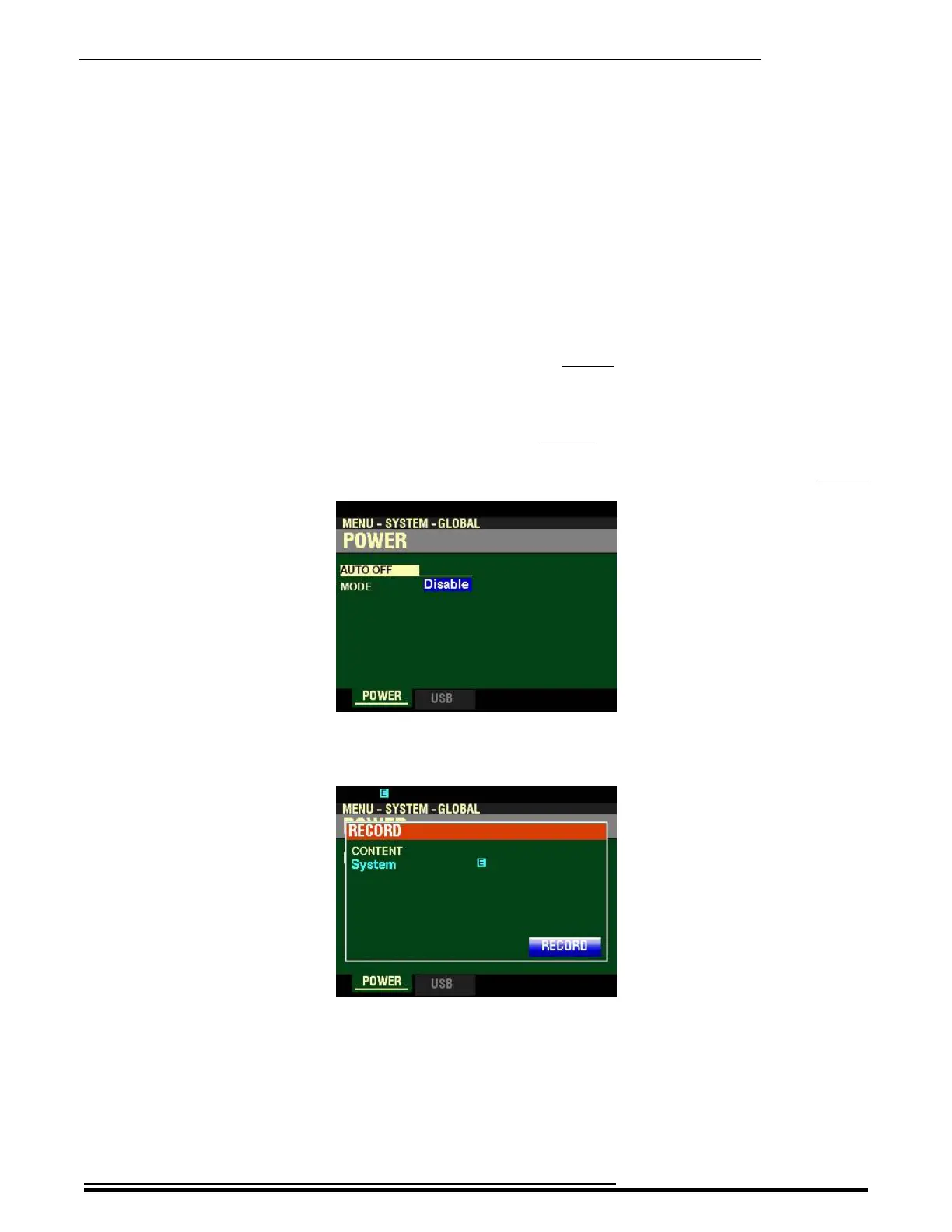
2. From the above screen, press the red RECORD button. The Information Center Display
should now look like this:
HA<O> SKX PRO Reference Guide



 To Next Page