14
Introduction
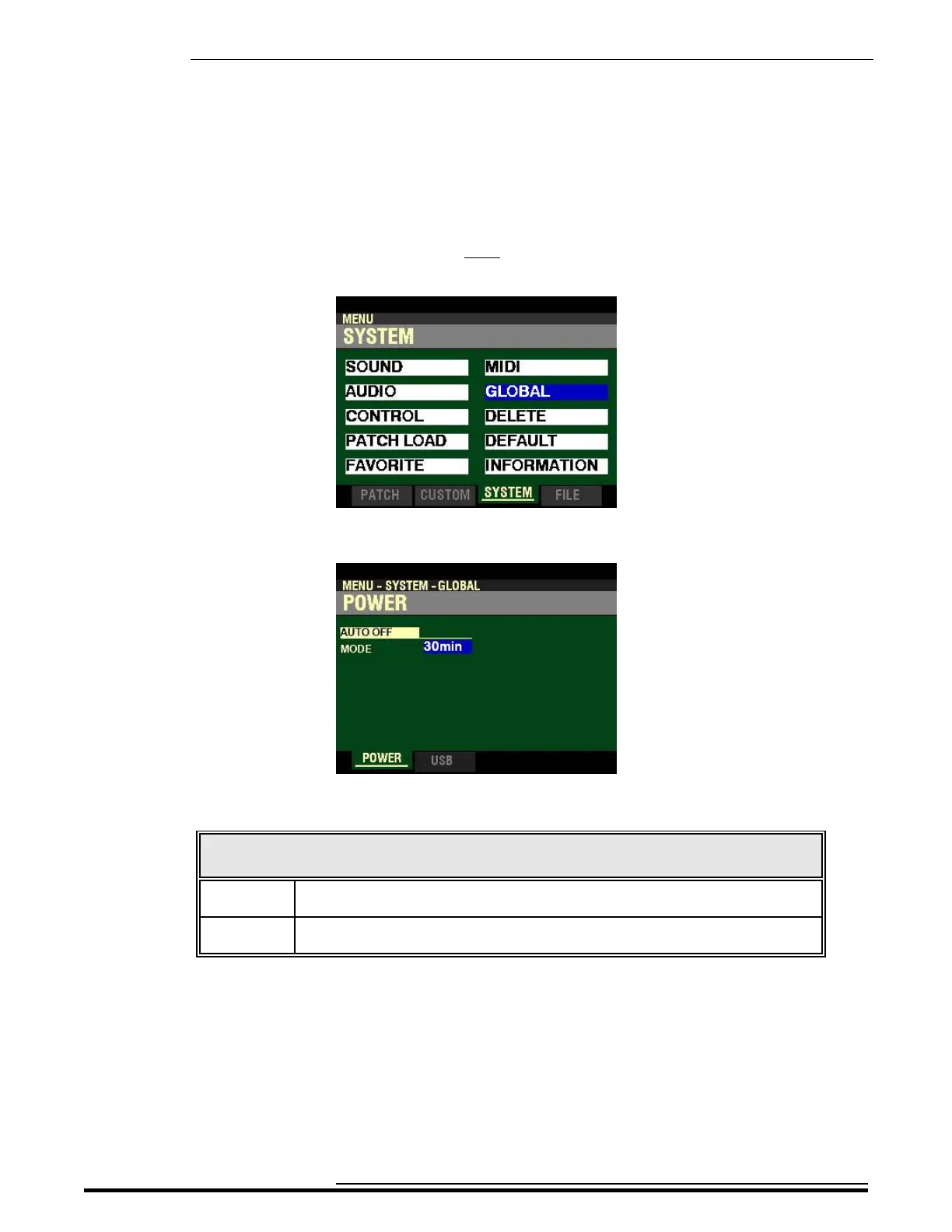
4. Press the DIRECTION “q” button once. The Information Center Display should now look
like this:
5. Press the ENTER button. The Information Center Display should now look like this:
The data chart below shows the options you can select.
POWER - AUTO OFF
Description Function
30min The AC power to the instrument will turn “OFF” after 30 minutes have elapsed with
no keys or buttons being pressed.
Disable The instrument will turn “ON” or “OFF” with the AC Power Switch, but not turn
“OFF” automatically.
Turn the VALUE knob to make your selection.
HA<O> SKX PRO Reference Guide



 To Next Page