65
Combinations
t Accessing the REVERB FUNCTION Mode Page using the SHIFT button:
1. Press and Hold the SHIFT (MENU/EXIT) button.
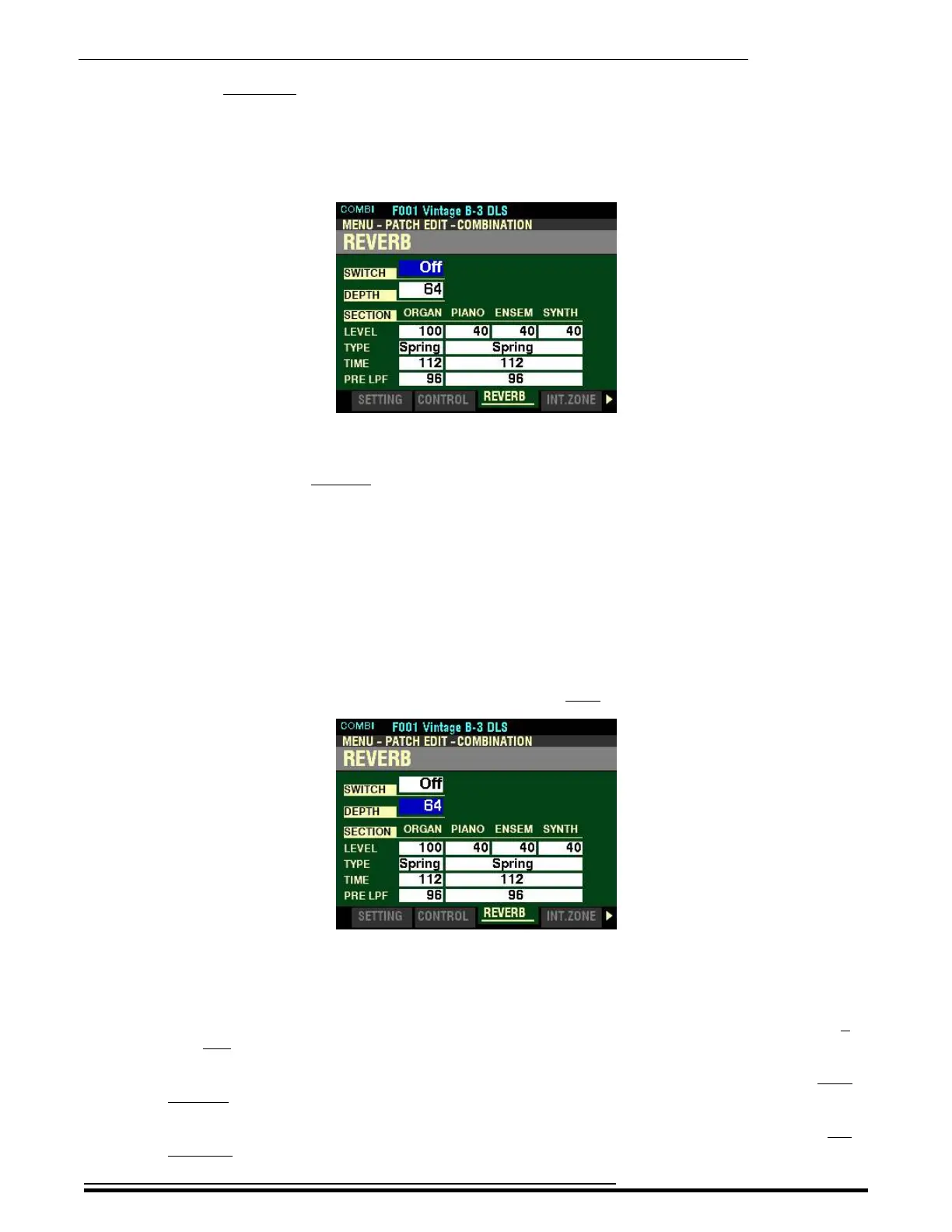
2. While holding the SHIFT button, turn the REVERB DEPTH knob. The Information Center
Display will look similar to this:
3. Release the SHIFT button.
You are now in the REVERB FUNCTION Mode Page. You can now use the DIRECTION buttons in
conjunction with the VALUE knob to make various changes to the Reverb for each Voice Section.
These changes are explained starting on the next page.
SWITCH
This Parameter allows you to turn REVERB “ON” or “OFF.”
NOTE: This switch affects the ORGAN, PIANO, ENSEMBLE and MONO SYNTH Reverbs.
Turn the VALUE knob or press the ON button on the Control Panel to turn Reverb “ON” or “OFF.”
From the above screen, press the DIRECTION “q” button once.
The box to the right of “DEPTH” should be highlighted.
DEPTH
This Parameter allows you to set the overall depth of the entire Reverb effect. You can select from 0 no
Reverb) to 127 (maximum Reverb).
Turn either the VALUE knob or the REVERB DEPTH knob on the Control Panel to the right to
increase the amount of Reverb.
Turn either the VALUE knob or the REVERB DEPTH knob on the Control Panel to the left to
decrease the amount of Reverb.
HA<O> SKX PRO Reference Guide



 To Next Page