530
Multi Effect 2
Chorus
“Chorus” refers to a shimmering, non-periodic enhancement of the sound. It is intended to be similar to
several instruments sounding in unison, and is helpful when a thicker tonal texture is desired.
NOTE: Do not confuse this Chorus with the Hammond Vibrato/Chorus effect. The CHORUS MULTI
EFFECT, as mentioned, is non-periodic or “random” sounding. With the Hammond Vibrato/Chorus, a
“cycle” is clearly audible. The parameters described below DO NOT affect the Hammond Vibrato/Chorus.
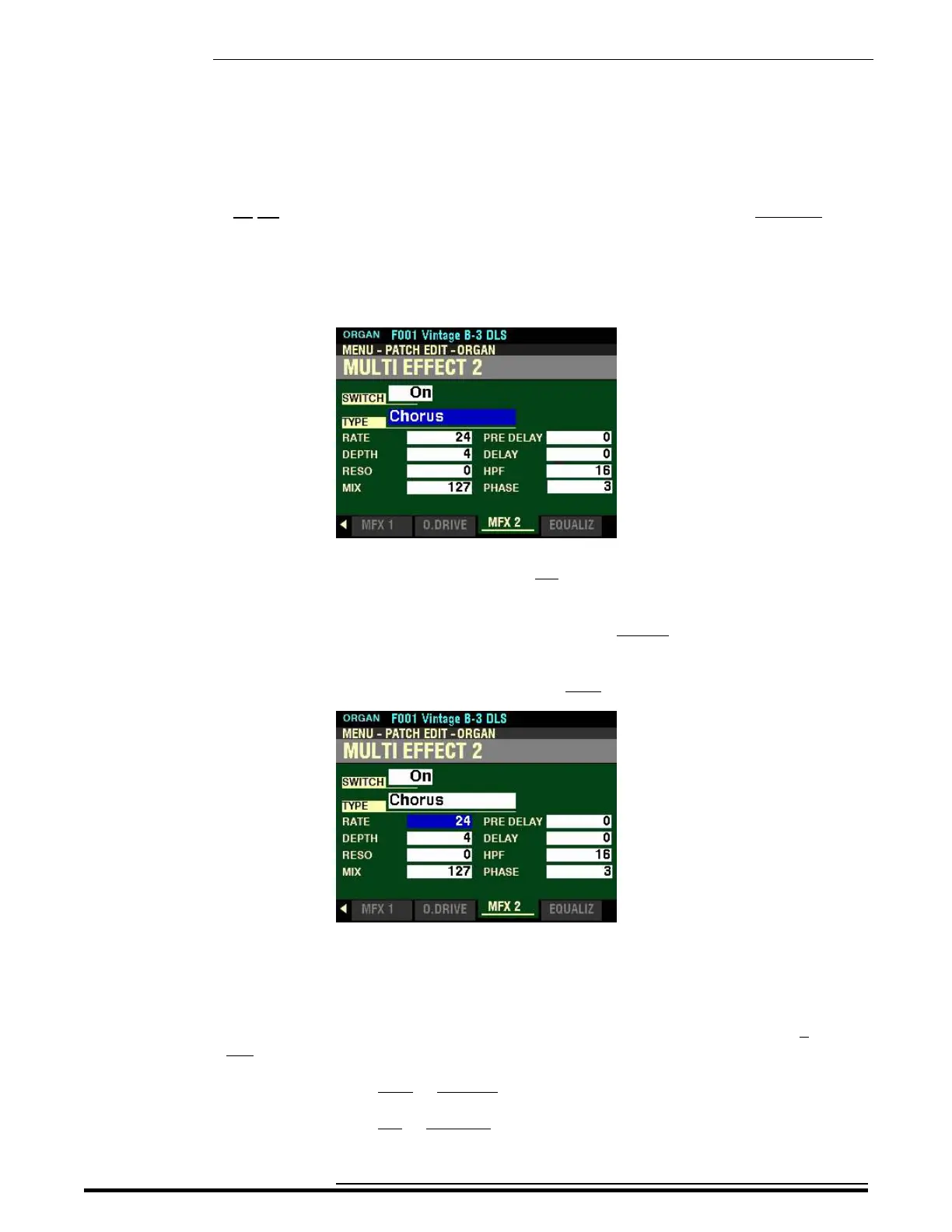
From the screen shown on the previous page, use the DIRECTION buttons to move the cursor to the
box to the right of “TYPE and turn the VALUE knob so that the highlighted box displays “Chorus.”
Make sure the box to the right of “SWITCH” displays On, otherwise you will not hear the selected
MULTI EFFECT or the changes you make to it.
You can now select and hear the changes to the characteristics for the Chorus MULTI EFFECT as you make
them.
From the above screen, press the DIRECTION “q” button once.
The box to the right of “RATE” should be highlighted.
RATE
This Parameter allows you to adjust the rate of the Chorus effect. You can select from 0 (slowest
rate) to 127 (fastest rate).
Turn the VALUE knob to the right to increase the Chorus Rate.
Turn the VALUE knob to the left to decrease the Chorus Rate.
HA<O> SKX PRO Reference Guide



 To Next Page