593
MIDI
u SYSTEM -MIDI FUNCTION Mode
This FUNCTION Mode allows you to set the overall MIDI parameters for the instrument.
TRY THIS:
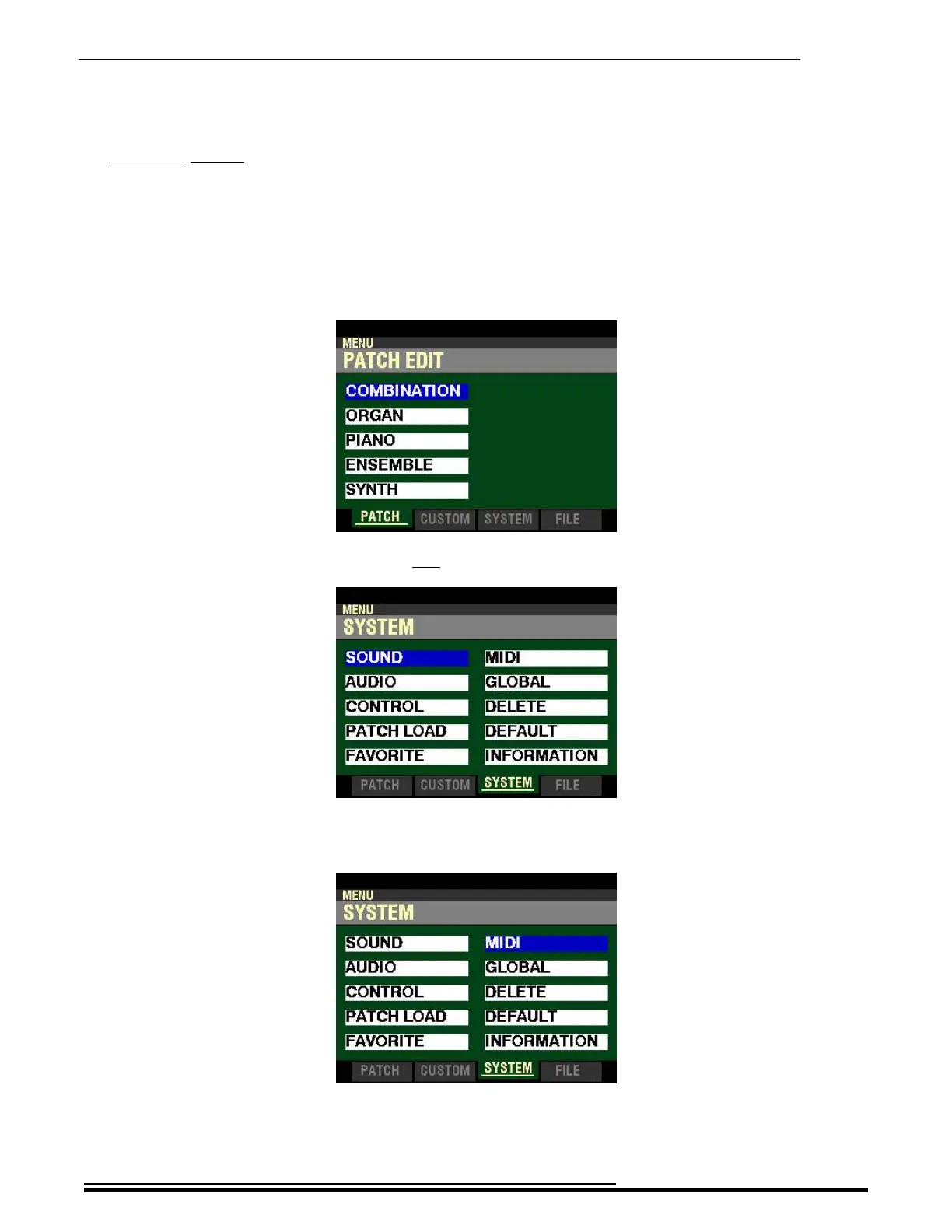
1. From any of the PLAY Mode Pages, press the MENU/EXIT button. The Information Center
Display should now look like this:
2. Press the PAGE “u” button two times. The word “SOUND” should be highlighted.
3. Press the DIRECTION “u” button. The Information Center Display should now look like this:
HA<O> SKX PRO Reference Guide



 To Next Page