33
Information Center Display
t Using the VALUE knob to adjust Parameters
Once you have selected the MENU you want, use the PAGE “t” and “u” buttons to select the specific
FUNCTION Mode you want to edit. This is explained starting below.
TRY THIS:
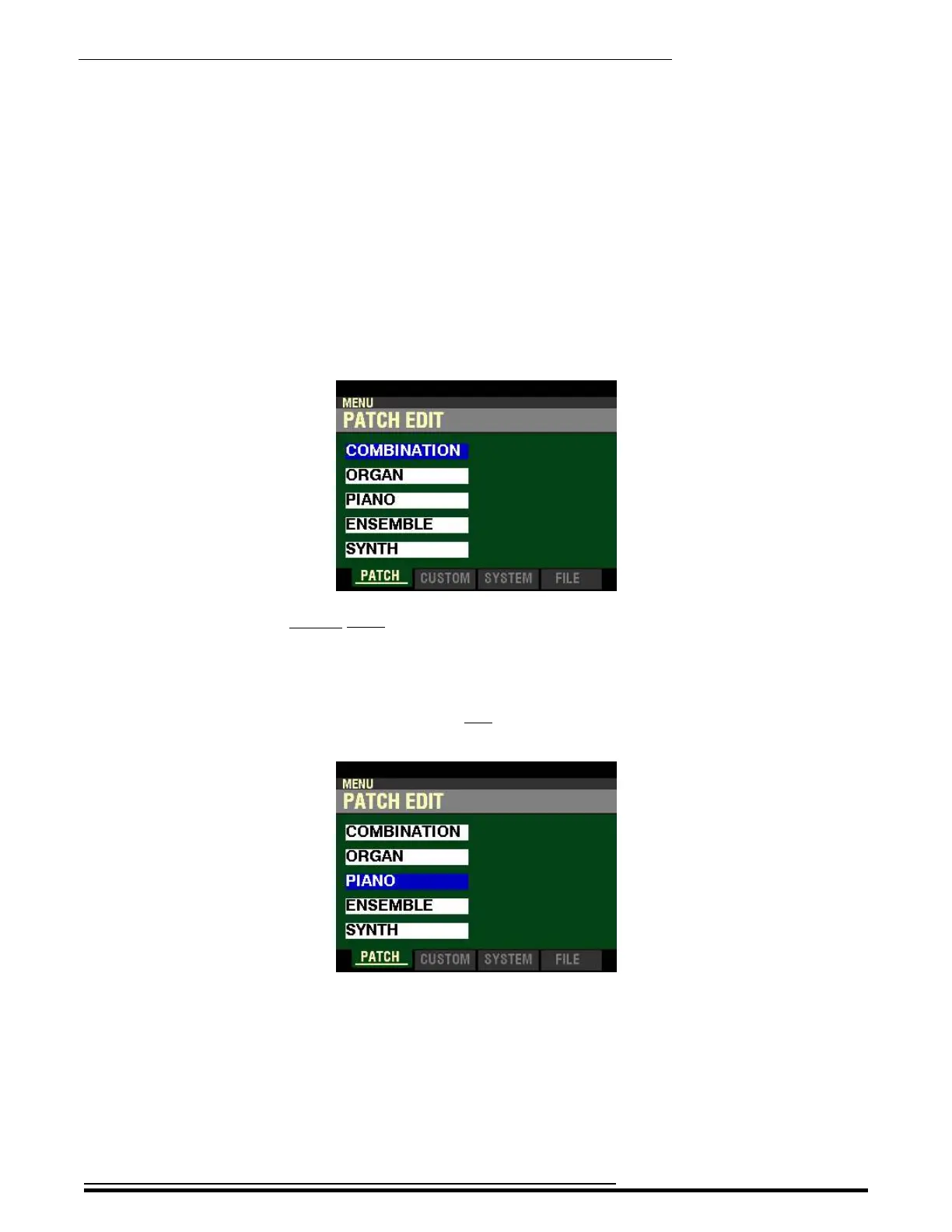
1. From any of the PLAY Mode Pages, press the MENU/EXIT button. The Information Center
Display should now look like this:
This is the PATCH EDIT Menu, which will be the first one displayed. The “COMBINATION”
box should be highlighted.
Now, let us assume you want to edit a Parameter in the PIANO Voice Section.
2. Press the DIRECTION “q” button two times. The Information Center Display should now
look like this:
The “PIANO” box will now be highlighted.
HA<O> SKX PRO Reference Guide



 To Next Page