32
Information Center Display
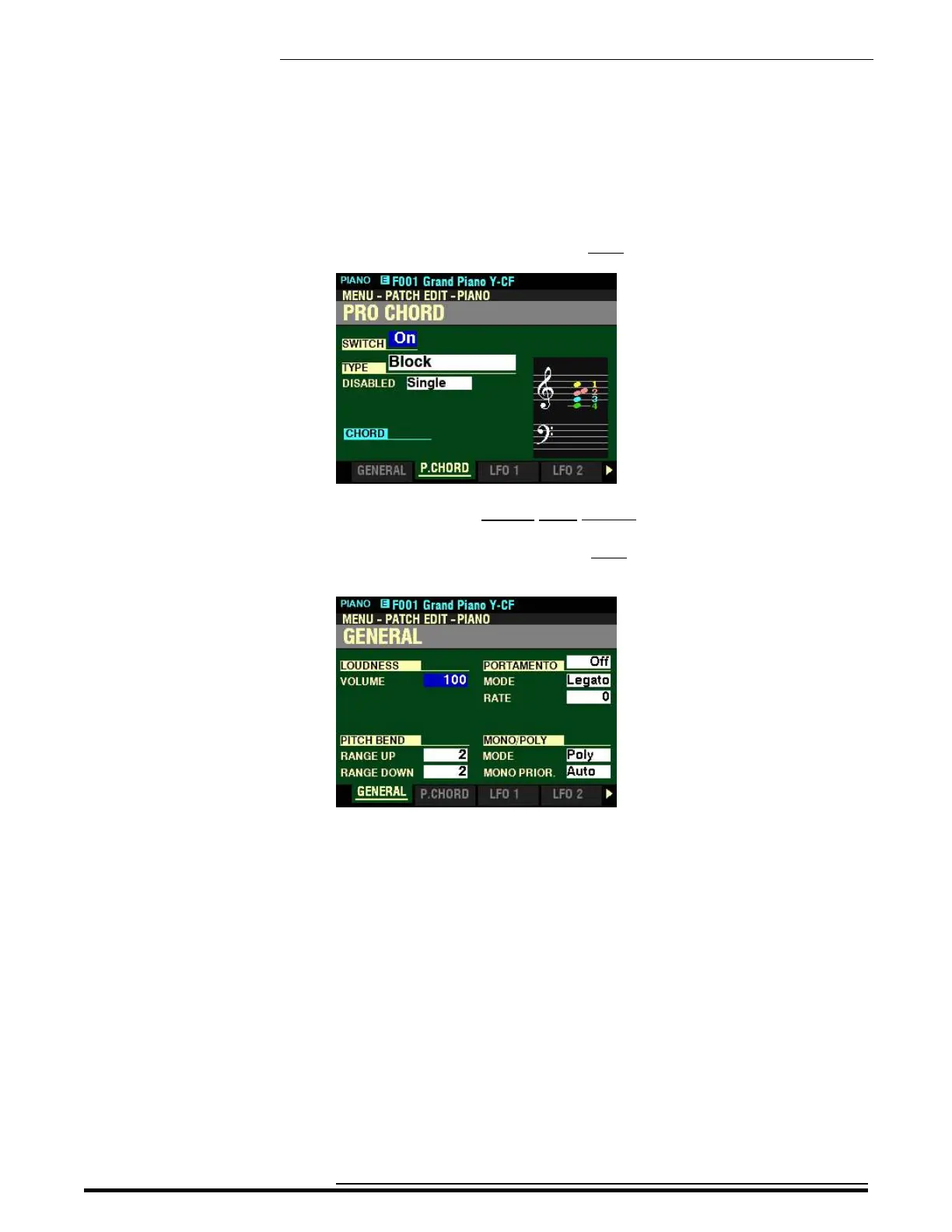
4. From the above screen, press the PAGE “u” button once.
You have now selected Page 2 of the PATCH EDIT -PIANO FUNCTION Mode.
5. From the above screen, press the PAGE “t” button once. The Information Center Display
should now look like this:
In the previous examples, you can see how to display the various Pages within a FUNCTION Mode by using
the PAGE “t” and “u” buttons.
When you have found the Page you want, use the four DIRECTION (“p” “q” “t” “u”) buttons to select
the specific Parameter you want to edit.
Press the PLAY button to return to the PLAY Mode.
HA<O> SKX PRO Reference Guide



 To Next Page