677
Using Memory
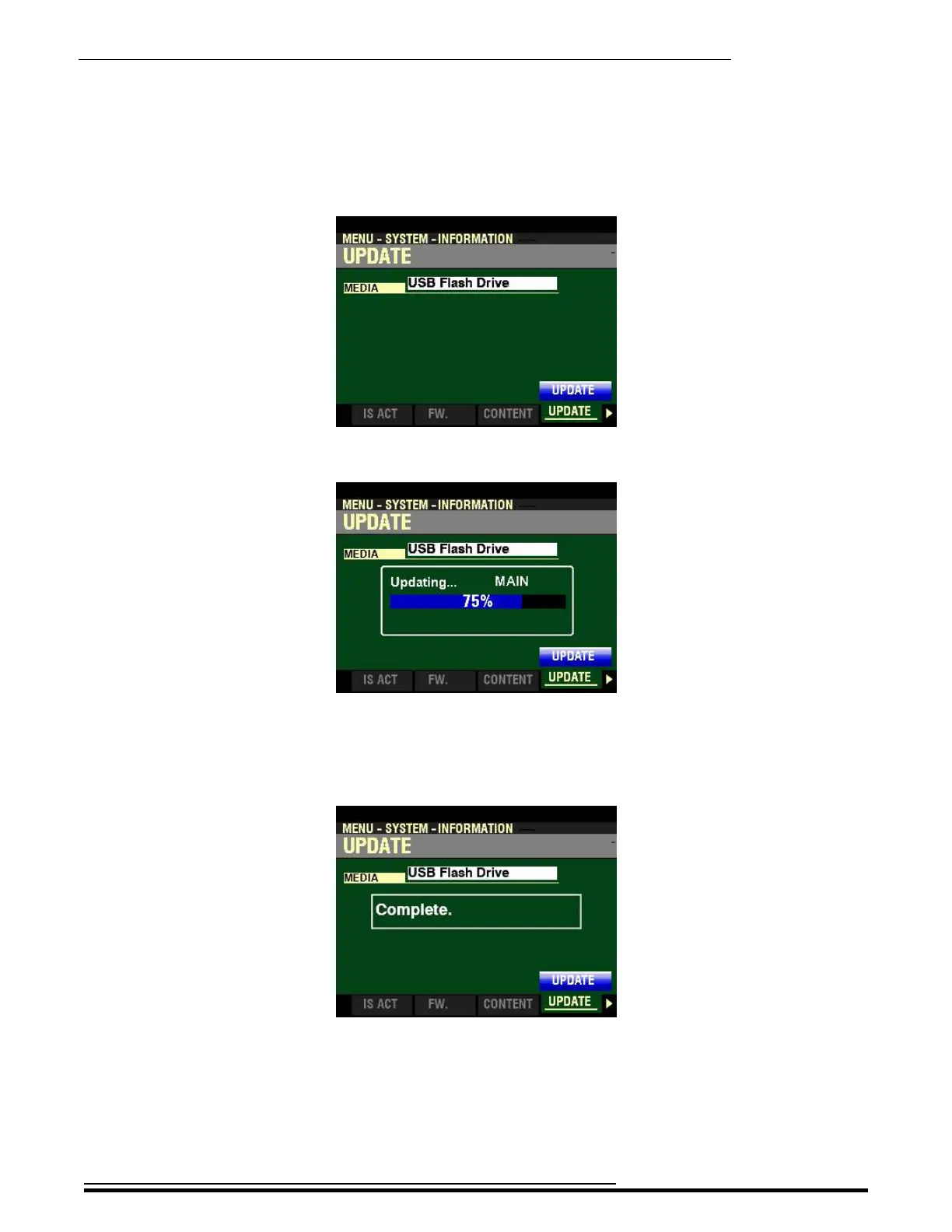
10. When you have made your selection, press the DIRECTION “q” button. The Information
Center Display should now look like this:
11. Press the ENTER button. You will see a screen similar to this:
During the Update procedure you will see status bars in the middle of the screen as the
different software modules are loaded and installed.
When the system software has finished upgrading, the Information Center Display will show:
12. Turn the power to the SKX PRO “OFF” then back “ON.” Wait for the system to load. When
the system has finished loading your SKX PRO will be ready to play with the updated software.
HA<O> SKX PRO Reference Guide



 To Next Page