241
PIANO / ENSEMBLE Voice Sections
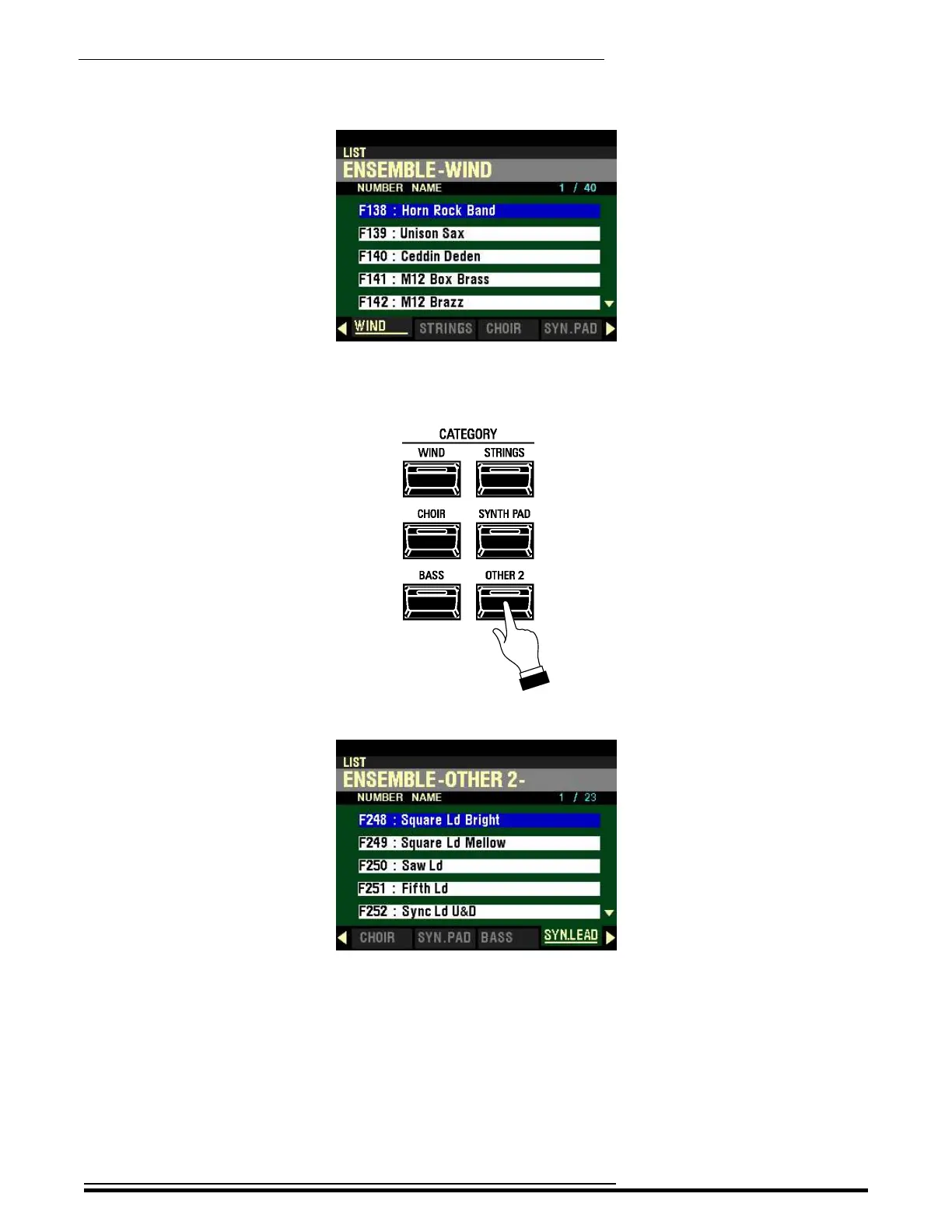
4. Now press the WIND button. The Information Center Display will show the following:
5. Play some notes. You will now hear the sound of a brass section.
6. Now press the OTHER 2 button in the ENSEMBLE CATEGORY Group.
The Information Center Display should now look similar to this:
7. Play some notes. You will now hear the sound of a synthesizer.
Each time you press one of the CATEGORY buttons you will see a List Menu similar to the one
shown above listing the available choices for the selected Category. You will also see two numbers
in blue on the right. The first number is the number of the highlighted Voice while the second
number shows the number of available Voices for the selected Category.
An arrow (“q” or “p”) on the extreme right of the display indicates you can use the DIRECTION
“q” or “p” buttons to display the entire library of Voices for the selected Category.
HA<O> SKX PRO Reference Guide



 To Next Page