470
Multi Effect 1
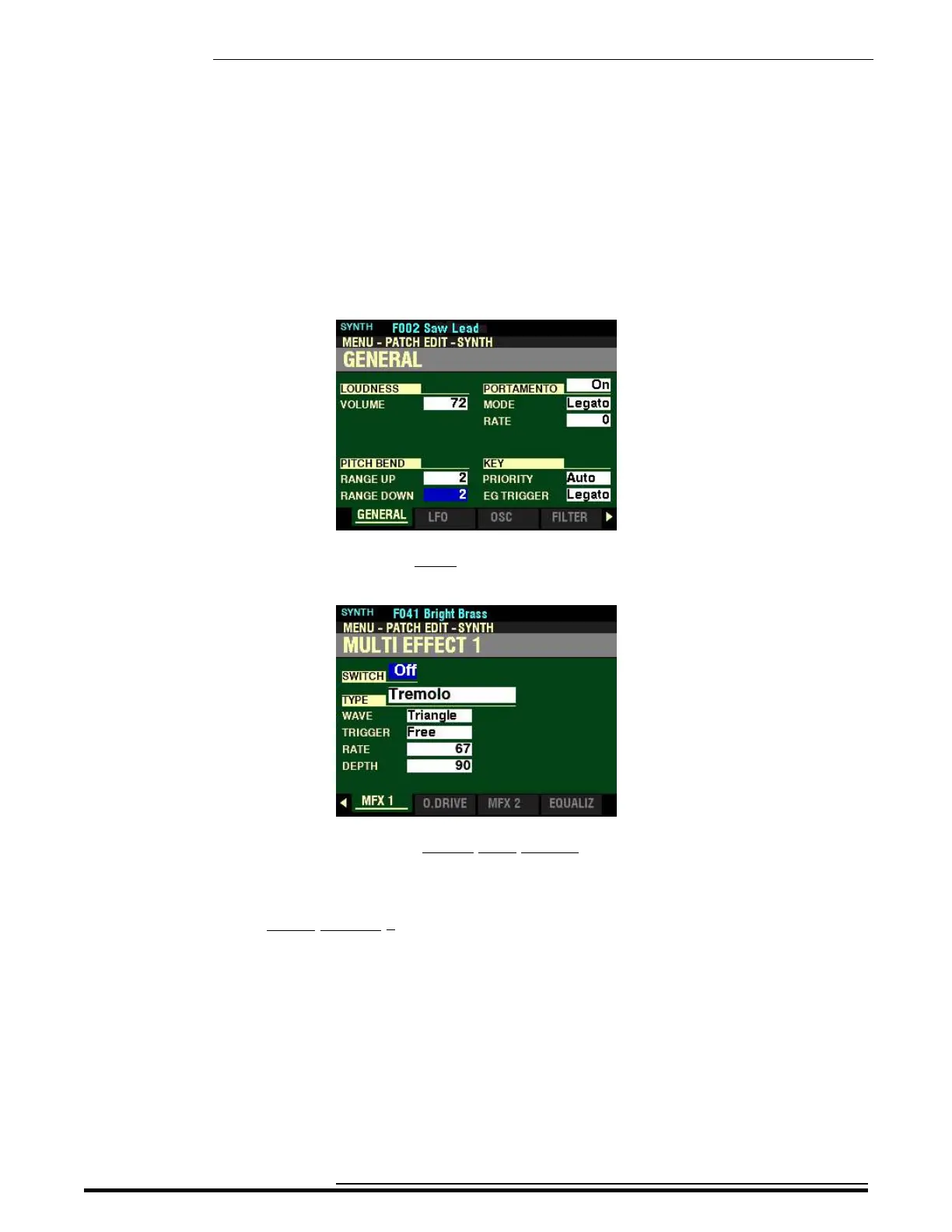
4. Press the ENTER button. The Information Center Display should now look like this:
5. Press the PAGE “u” button seven times. The Information Center Display should now look
like this:
You are now in Page 8 of the PATCH EDIT -SYNTH FUNCTION Mode. You can now use the
DIRECTION and PAGE buttons in conjunction with the VALUE knob to make various changes
to the characteristics of the MONO SYNTH.
NOTE: The MULTI EFFECT 1 Parameters are identical for all Voice Sections. To avoid confusing
repetition, the ORGAN Voice Section will be used as the basis for the explanations of these Parameters.
HA<O> SKX PRO Reference Guide



 To Next Page