45
Allocating Voice Sections
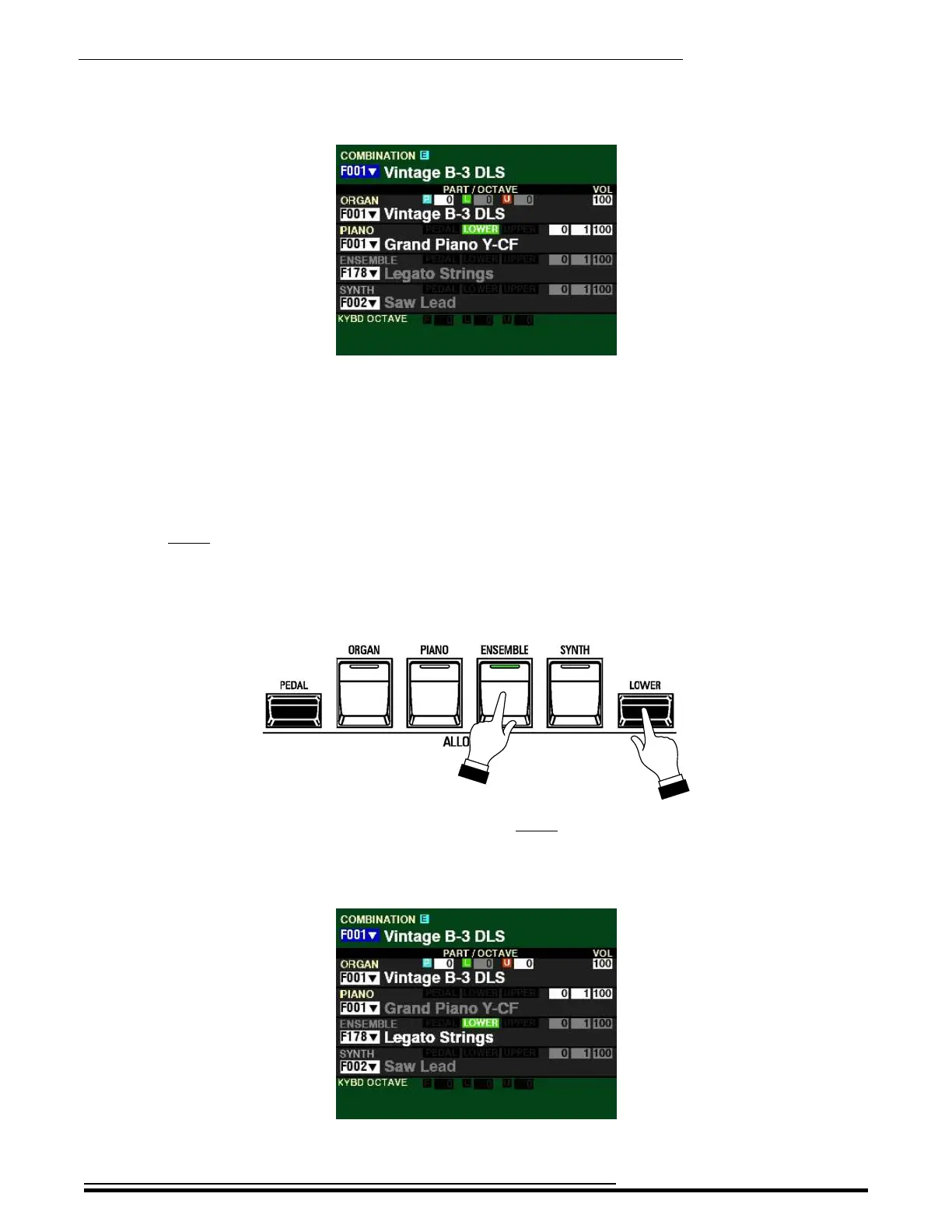
The Information Center Display should now look similar to this:
5. Play some notes on the LOWER Keyboard. You will hear the sound of an acoustic grand
piano.
This is how to assign Voice Sections to different Keyboards.
However, if you want to assign two or more Voice Sections to different Keyboards, Press and Hold
the LOWER button while simultaneously pressing the ALLOCATE button for the desired Voice
Section. The LED of the Voice Section assigned to the LOWER portion of the Keyboard will light
green. In this way you can quickly identify which Sections will play from which Keyboard.
TRY THIS:
1. Press and Hold the LOWER button and press the ENSEMBLE button.
Notice the LED of the ENSEMBLE button is now green. This indicates the ENSEMBLE Section will
play from the LOWER Keyboard. Notice also the LED of the PIANO button is now “OFF.”
The Information Center Display should now look similar to this:
HA<O> SKX PRO Reference Guide



 To Next Page