Selecting a Management Interface
Advantages of Using the HP Web Browser Interface
Advantages of Using the HP Web
Browser Interface
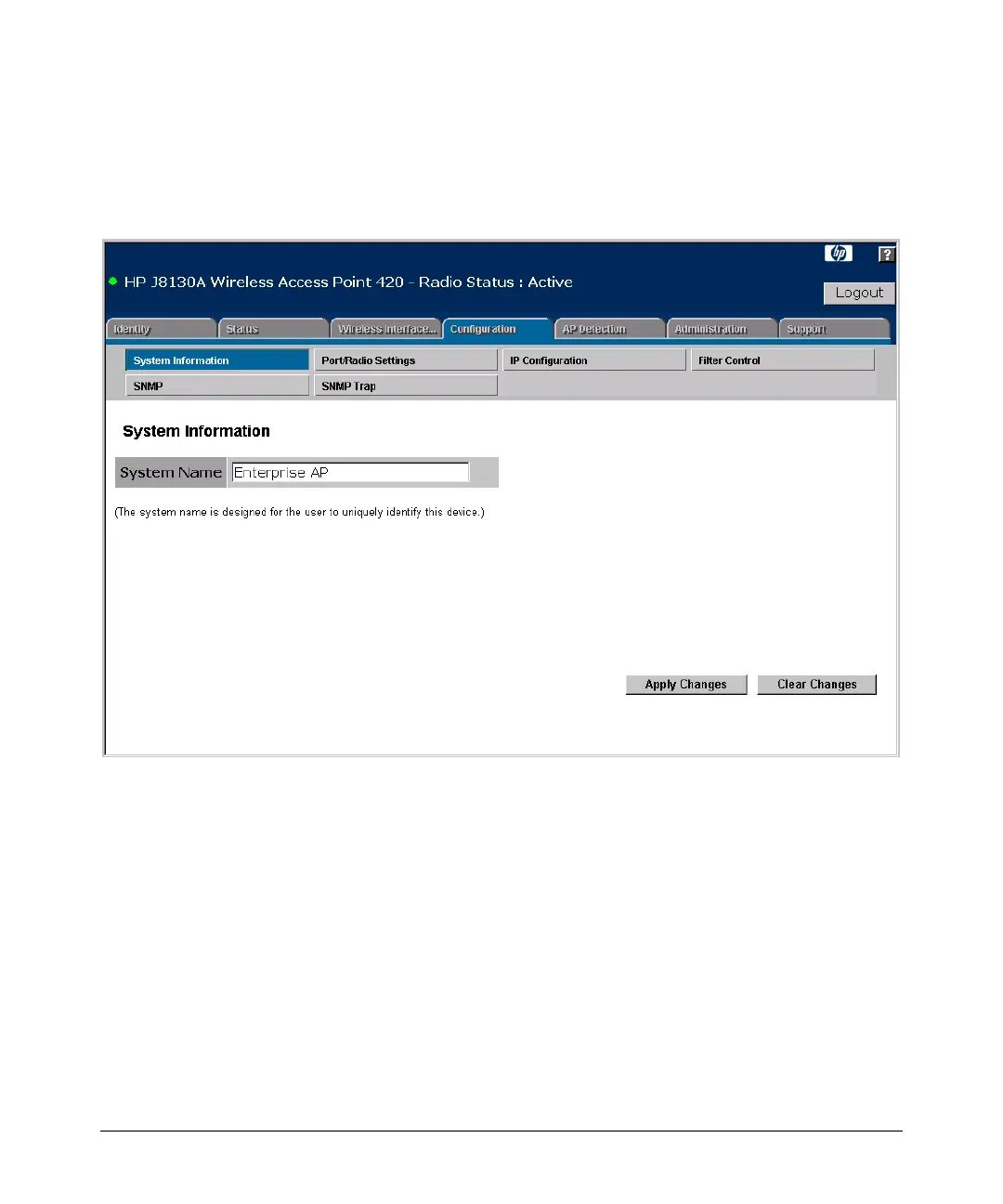
Figure 2-2. Example of the HP Web Browser Interface
■ Easy access to the access point from anywhere on the network
■ Familiar browser interface--locations of window objects consistent
with commonly used browsers, uses mouse clicking for navigation, no
terminal setup
■ Many features have all their fields in one screen so you can view all
values at once
■ More visual cues, using colors, status bars, device icons, and other
graphical objects instead of relying solely on alphanumeric values
■ Display of acceptable ranges of values available in configuration list
boxes
2-4



 To Next Page