ECC800 Data Center Controller
User Manual (for ECC800-Pro)
Copyright © Huawei Technologies Co., Ltd.
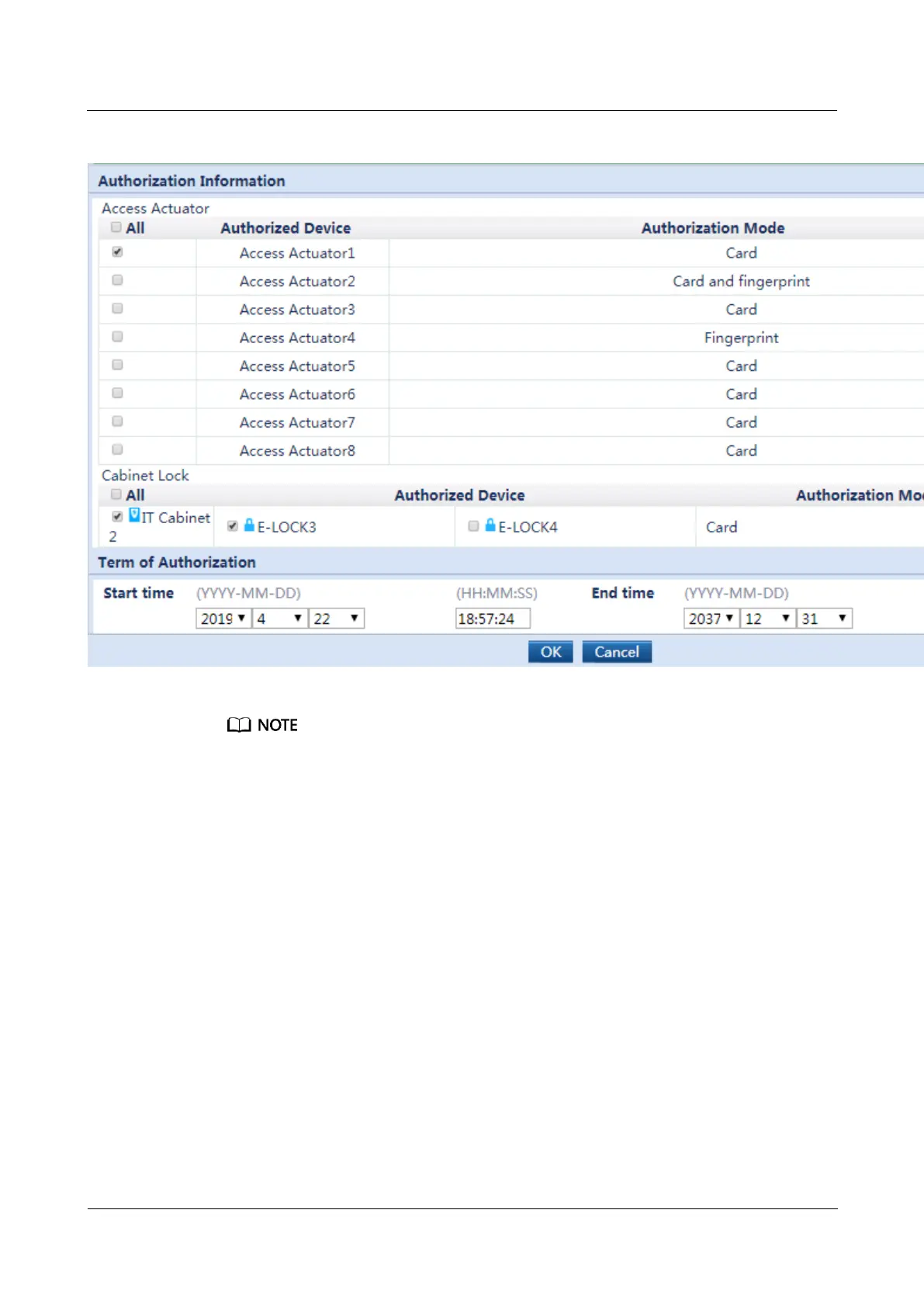
Figure 6-6 Adding access permissions
You can authorize and delete access users in batches.
5. Click OK to complete the task of adding access management settings.
6. On the Authorization Operations tab page, click Synchronize to Device, select the
modified access control devices, and click Start Synchronization.



 To Next Page