ECC800 Data Center Controller
User Manual (for ECC800-Pro)
Copyright © Huawei Technologies Co., Ltd.
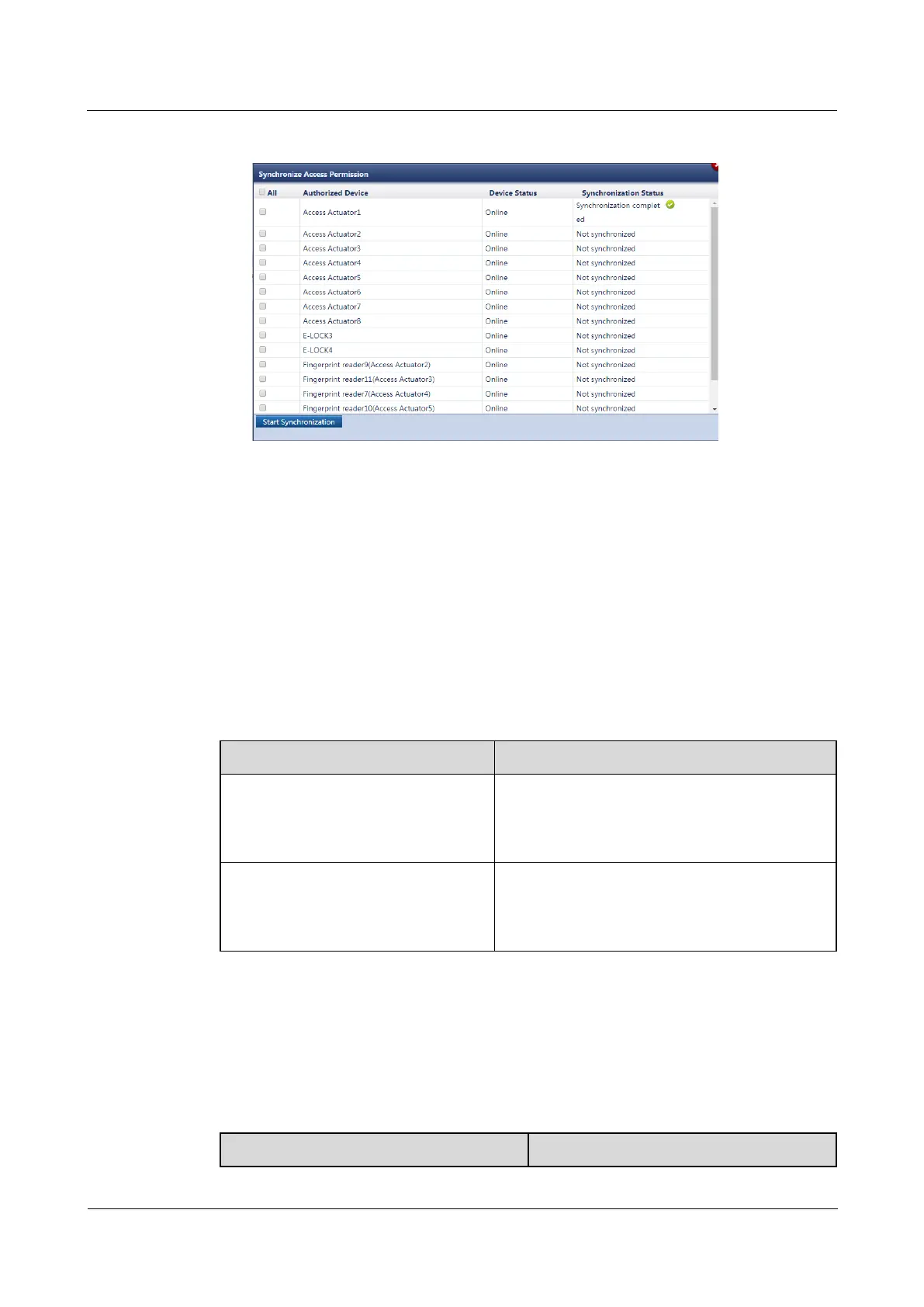
Figure 6-7 Synchronizing access permissions
7. When Synchronization Status is Synchronization completed for the related devices,
close the Synchronize Access Permission page.
Step 2 Set an alarm for card readers.
Set Logical level configuration for reader removed based on the fingerprint reader
configured for the access control system.
If the access control system uses a Card and password reader, choose Monitoring >
Aisle > Access Actuator Group > Access Actuator n on the ECC800-Pro WebUI, click
Running Parameters, and set Logical level configuration for reader removed of the
corresponding card reader to High level alarm.
Table 6-12 Setting method
Cable Connection Scenario
The card reader with a keypad is
connected to WG_1 port on the access
actuator.
Set Logical level configuration for reader 1
removed to High level alarm. Logical level
configuration for reader 2 removed remains as
Low level alarm.
The card reader with a keypad is
connected to WG_2 port on the access
actuator.
Set Logical level configuration for reader 2
removed to High level alarm. Logical level
configuration for reader 1 removed remains as
Low level alarm.
If the access control system uses a Card, Card and fingerprint, or Card, password
and fingerprint reader, retain the default value Low level alarm for Logical level
configuration for reader removed.
Step 3 Check the functions of the access control device and access actuator.
Table 6-13 Function check



 To Next Page