ECC800 Data Center Controller
User Manual (for ECC800-Pro)
Copyright © Huawei Technologies Co., Ltd.
When connecting to the VCN on the NetEco, you need to log in to the VCN as a non-admin
user.
1. Log in to the VCN IVS as user admin.
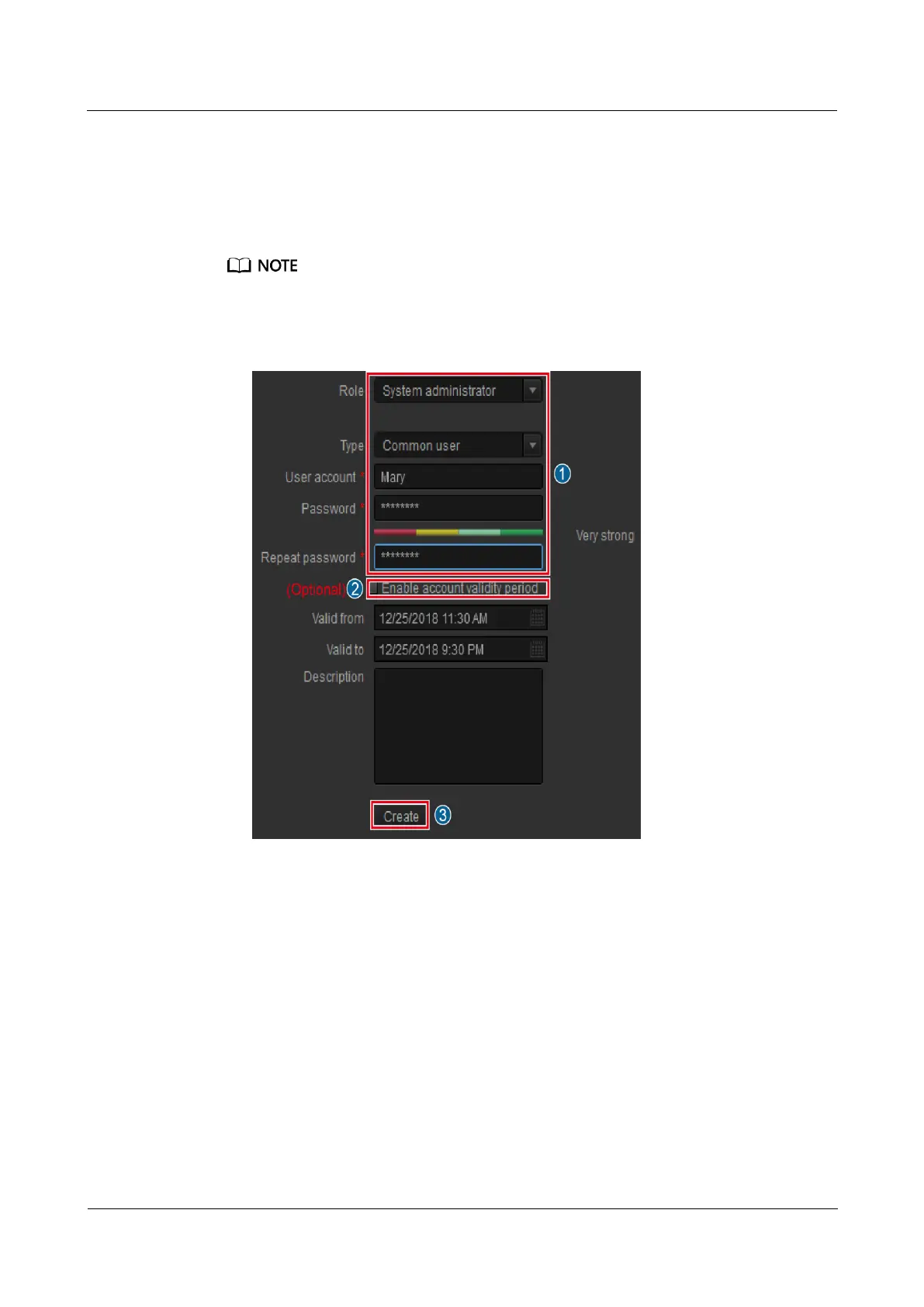
2. On the VCN IVS home page, double-click Add User, create a user, and click Next. The
Assign Rights page is displayed.
When creating a user, you can select Enable account validity period and set Valid from and Valid to
to set the account validity period for the created user.
Figure 6-34 Creating a user
3. Set Multi-point logins to a value greater than 2.
4. In the Assign Device View Rights area, select the cameras to be browsed and queried by
the user. Set other parameters based on the documentation delivered with the equipment
or the documentation obtained by referring to the Preparing Documentation section,
and click Finish.
----End



 To Next Page