ECC800 Data Center Controller
User Manual (for ECC800-Pro)
Copyright © Huawei Technologies Co., Ltd.
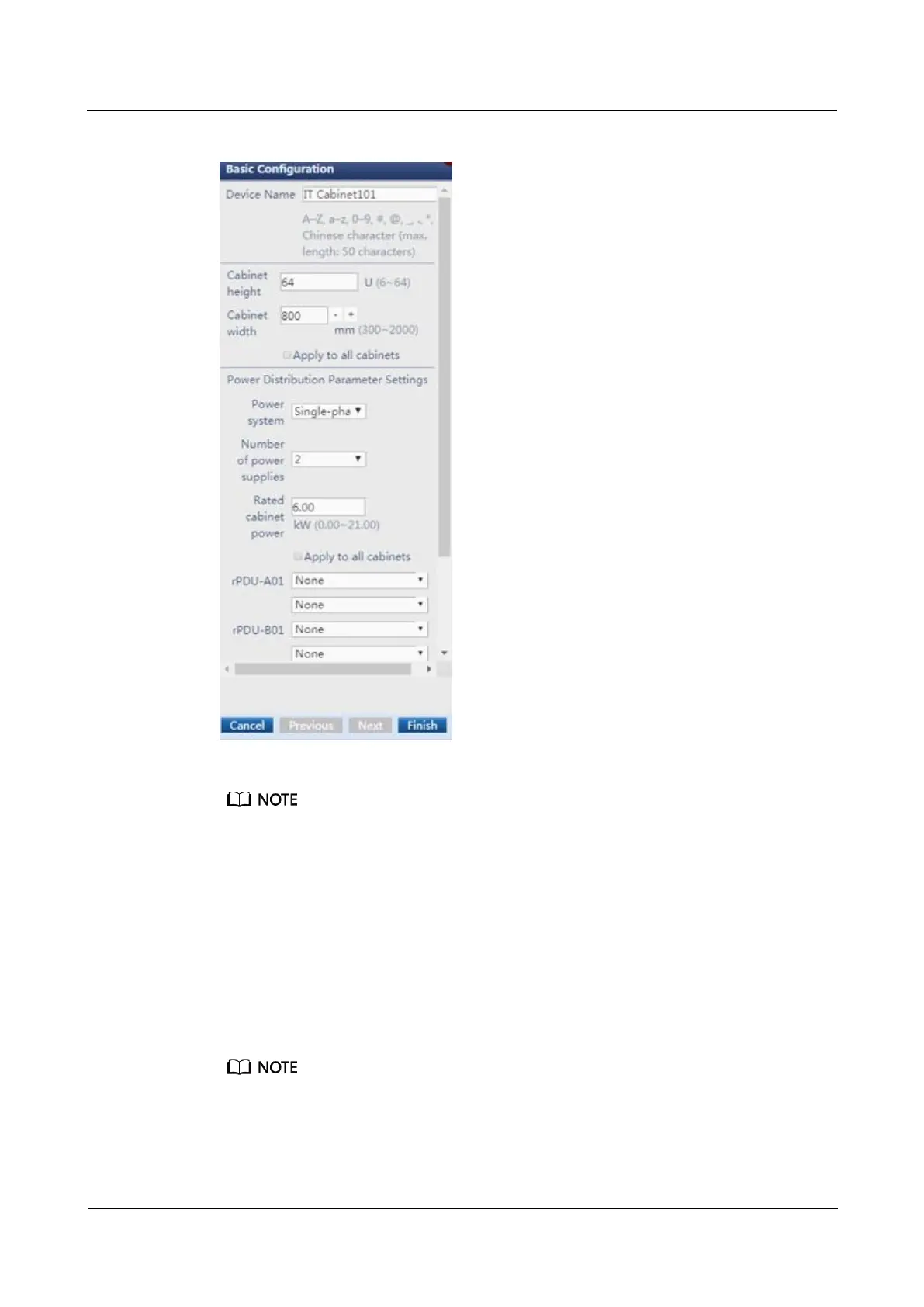
Figure 6-50 Power configuration
If Apply to all cabinets is selected, all other cabinets use this configuration.
If Clear the power distribution configuration of all cabinets is selected, the power distribution
configuration of all cabinets will be cleared.
Step 5 Click Finish after checking that electricity has been configured for all IT cabinets, network
cabinets, and smart cooling products.
Step 6 Click Exit Edit Mode to exit the view editing page of the smart module.
Step 7 Choose Monitoring > Cabinet, and set Cabinet load factor overhigh alarm threshold
(default value: 90) on the Running Parameters page. For example, if you set the alarm
threshold for the cabinet load rate to 90, an alarm is generated when the load rate of the device
in the smart module exceeds 90 of the rated power of the cabinet.
The alarm hysteresis is 5% by default. That is, if the cabinet load factor overhigh alarm threshold is 90%,
the raised alarm will be cleared when the load factor drops to a value smaller than 85%.
----End



 To Next Page