ECC800 Data Center Controller
User Manual (for ECC800-Pro)
Copyright © Huawei Technologies Co., Ltd.
Context
Table 8-8 PDU2000 basic Information
Name
Displayed on
the WebUI
Eleventh and Twelfth
Characters in Device
Barcode
a
a: The barcode starts with 21 and is attached to the device.
Procedure
Step 1 Set the PDU2000 monitoring parameters.
Set the PDU2000-M (C) monitoring parameters.
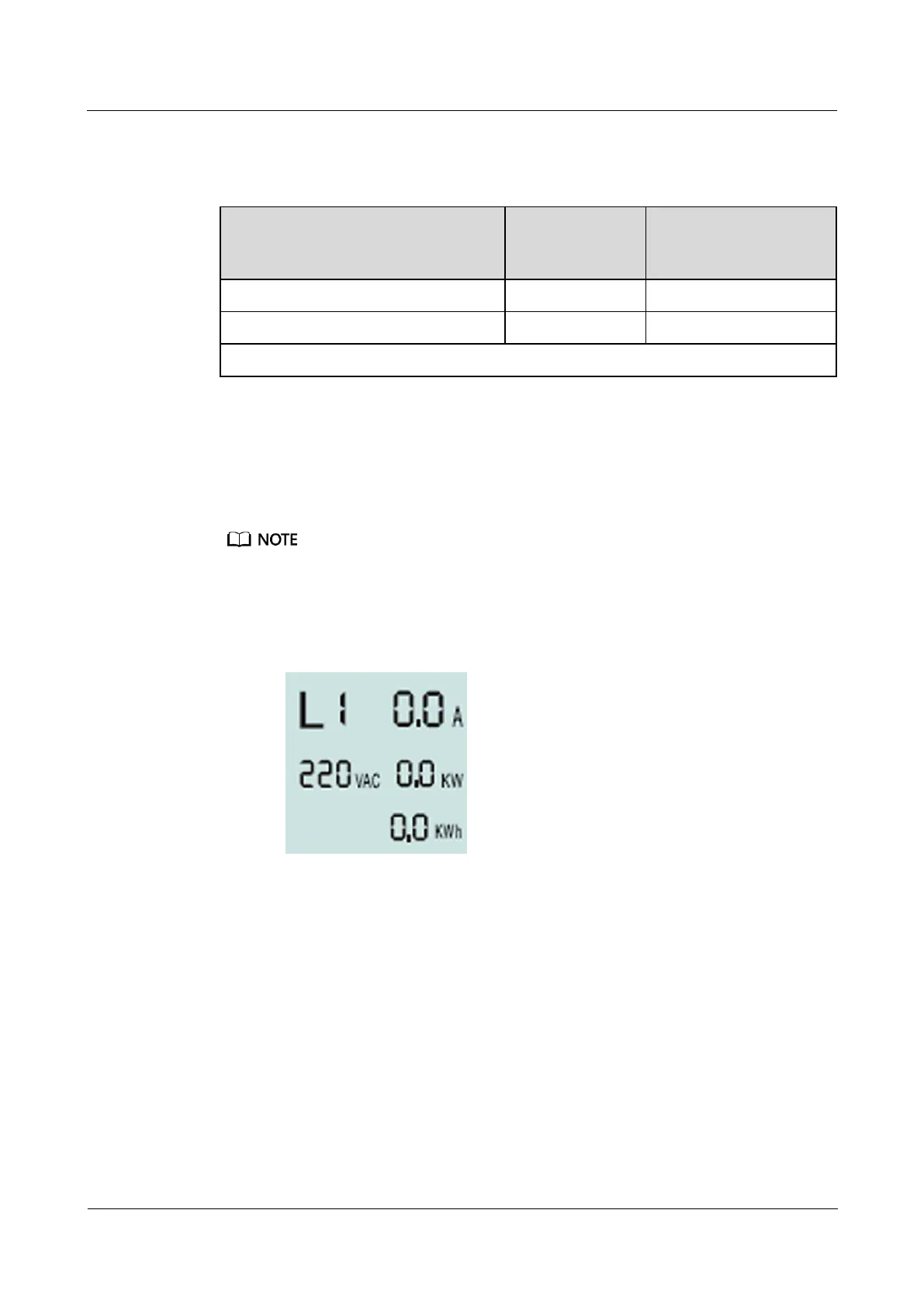
The display of a single-phase module is used as an example.
− After the PDU2000-M (C) is powered on, the LCM displays the initialization
screen.
Figure 8-13 PDU2000-M (C) initialization screen
− Press MENU to enter the device communications address screen.



 To Next Page