EasyManua.ls Logo

Huawei ECC800 - 4.2 Mobile Phone App

Huawei ECC800
321 pages
Print Icon
To Next Page IconTo Next Page
To Previous Page IconTo Previous Page
Loading...
ECC800 Data Center Controller
User Manual (for ECC800-Pro)
3 Device Description
Copyright © Huawei Technologies Co., Ltd.
78
Indicators
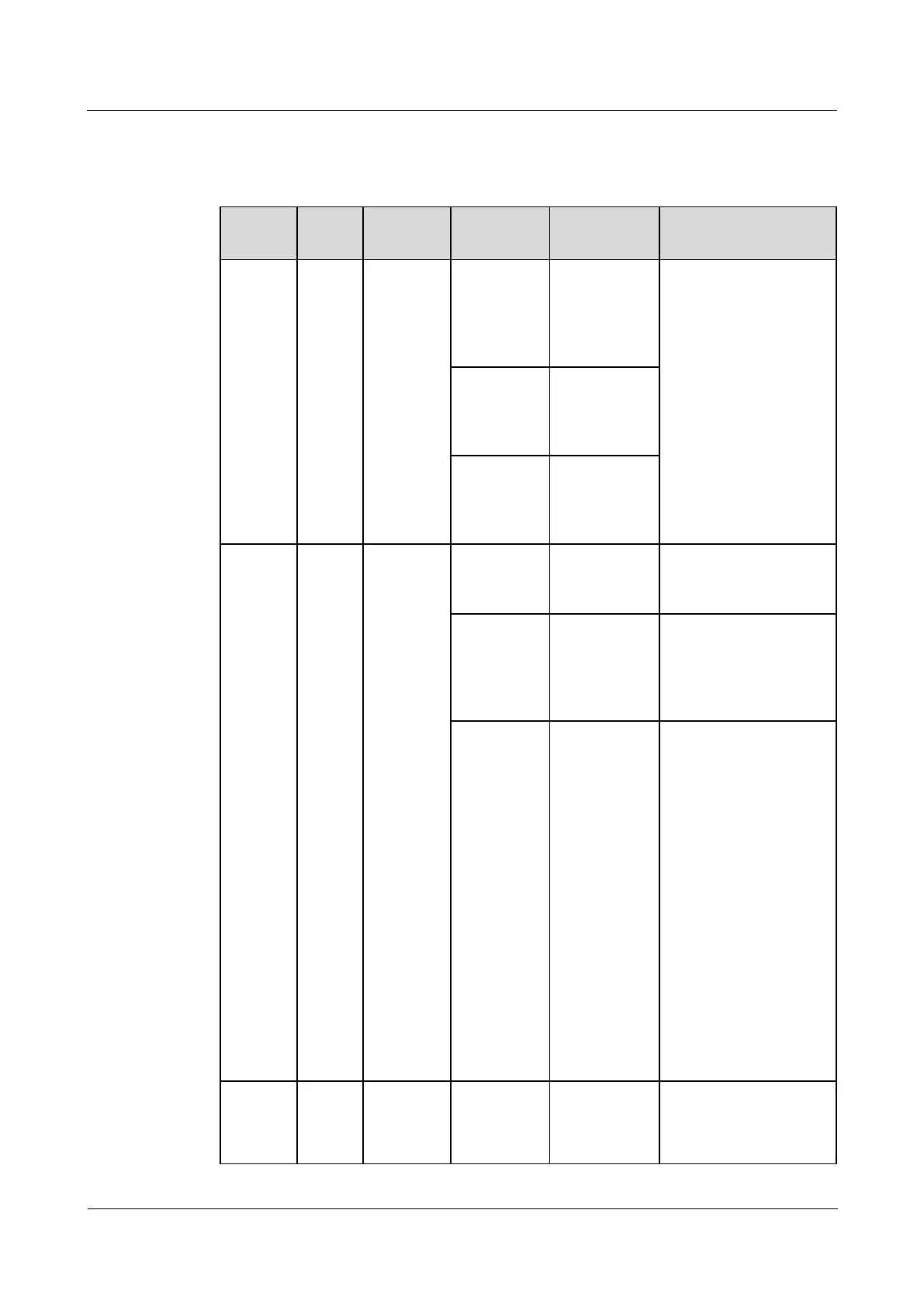
Table 3-80 Indicators
Indicat
ors
Color
Meaning
Status
Description
Measure
RF_Z
Green
Wireless
communic
ation
status
Steady on
No network
parameters
exist. (A
network is to
be created.)
Requires no handling.
Blinking at
super short
intervals
A network is
being created
(new nodes
allowed).
Blinking at
long
intervals
Data is being
transmitted
(new nodes
not allowed).
RUN
Green
Northboun
d
communic
ation
status
Blinking at
long
intervals
The
communicati
on is normal.
Requires no handling.
Blinking
intermittentl
y at super
short
intervals
Blinking,
lasting for
10s.
Requires no handling.
Blinking at
short
intervals
Communicati
on fails. (No
legitimate
northbound
data has been
received for 3
minutes.)
1. Check whether the
communication
cable is loose.
If yes, reconnect
the
communication
cable.
If no, go to the
next step.
2. Check whether the
device is
malfunctioning.
If yes, replace the
device.
If no, contact
Huawei technical
support.
ALM
Red
Alarm
indicator
Steady on
The actual
number of
online
devices is less
Check the value of
iBAT number, the
iBAT cable connection,
and the iBAT

Table of Contents

Related product manuals