v 2.3 — September 2015 Altanium Delta3
142 Loading a Mold Picture View Graphic
2. Touch the name of the view to upload the new mold picture view graphic.
3. Touch the Edit button.
4. Touch the Change View Settings button.
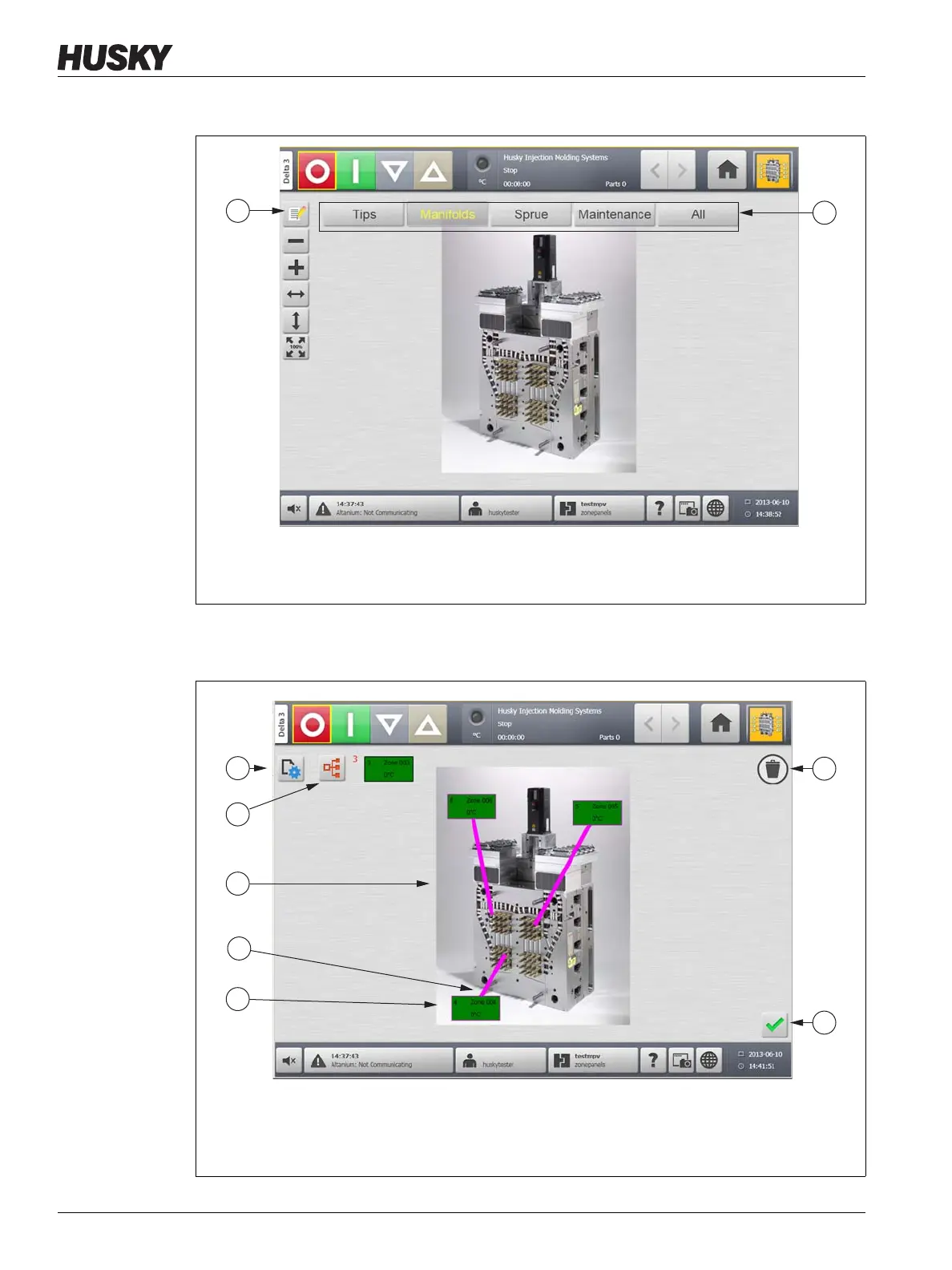
Figure 11-1 Mold Picture View Screen
1. Edit Button 2. Views
Figure 11-2 Mold Picture View Screen in Edit Mode
1. Change View Settings Button 2. Choose Heat Zone Button 3. Mold Picture View Graphic
4. Leader Line 5. Zone Information Panel 6. Delete Button 7. Accept Button



 To Next Page