Page | 229
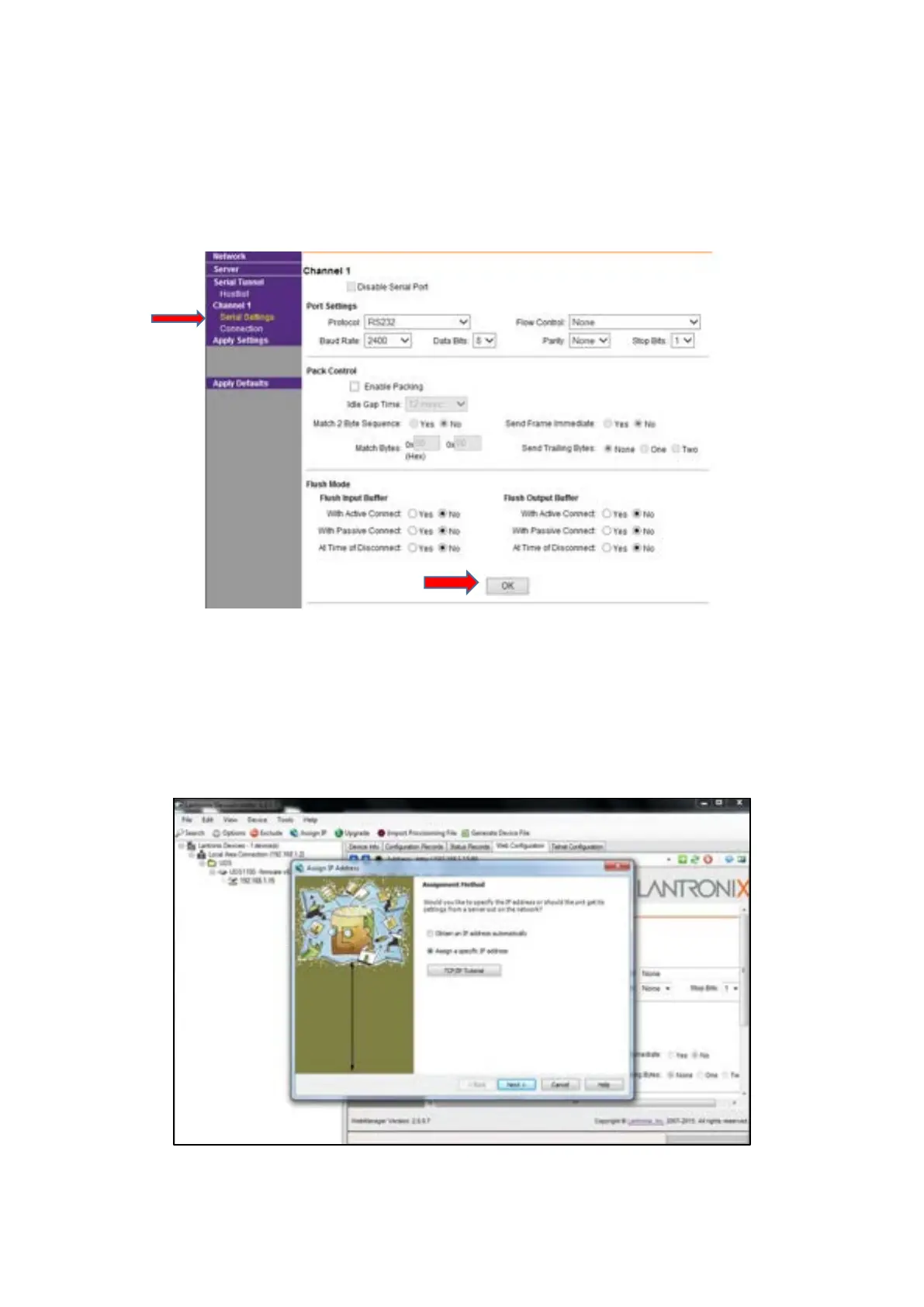
Click on ‘Serial Settings’ and make sure that they are correct
Please Note: For an MFC – or anything Autoscript – set the baud rate at 2400
For a CON-FC – Autocue – set the baud rate at 1200
Click ok, click apply settings, wait for the page to reset, then repower the Lantronix box
Close and re-open the Lantronix page
You should be ready to connect the controller to the Lantronix box
To set the IP address manually, click on the ‘Assign IP’ tab at the top of the main program page



 To Next Page