Page | 230
Select “Assign a specific IP address”.
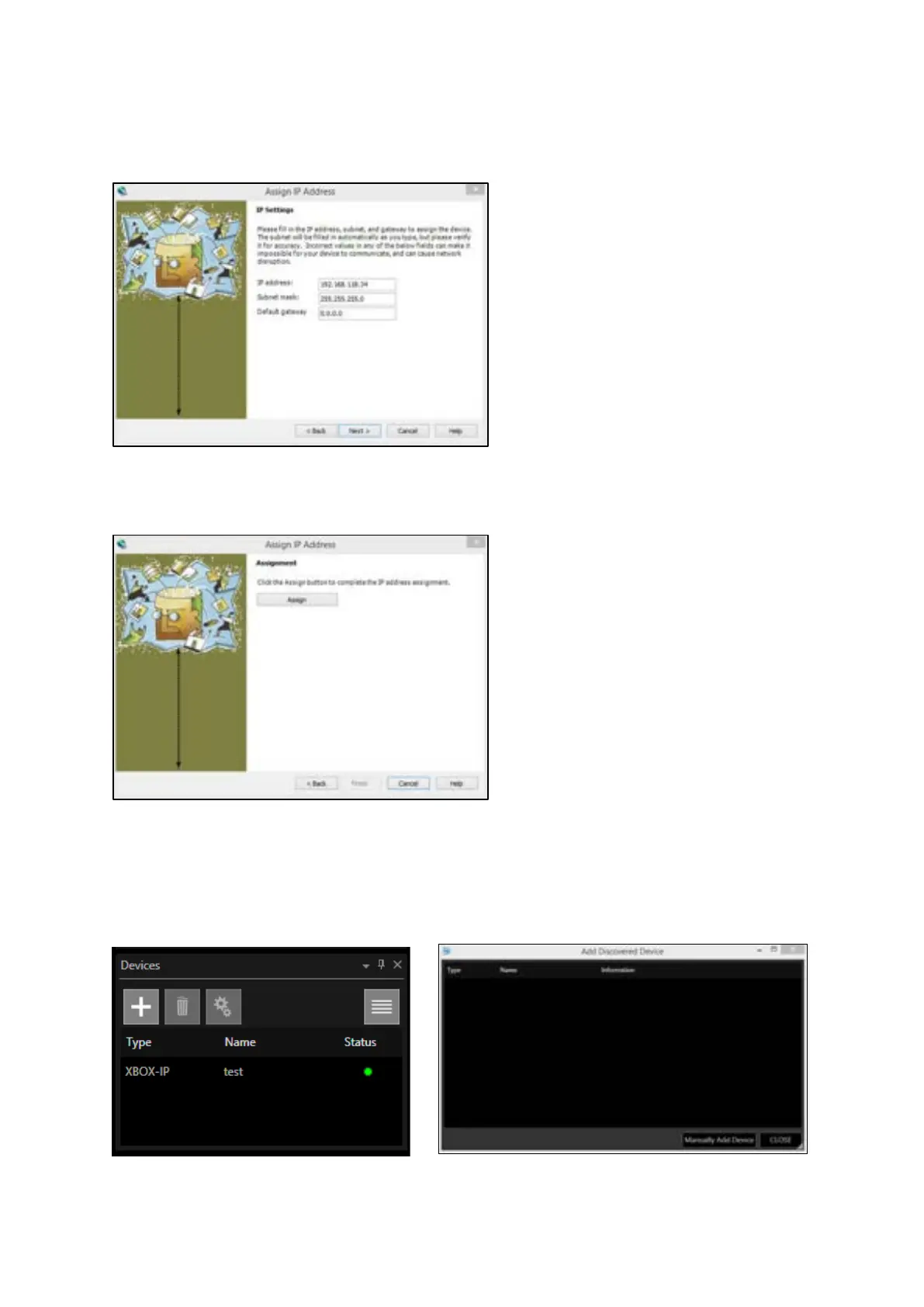
Click ‘Next’ to then set the IP address etc.
Click ‘Next’, then ‘Assign’ to change the IP address
Once assigned, click ‘Finish’
Once you have done this, go to the Winplus-IP software and Click ‘Add – ‘+’ in the Devices window,
then Click on ‘Manually Add Device’



 To Next Page