Page | 47
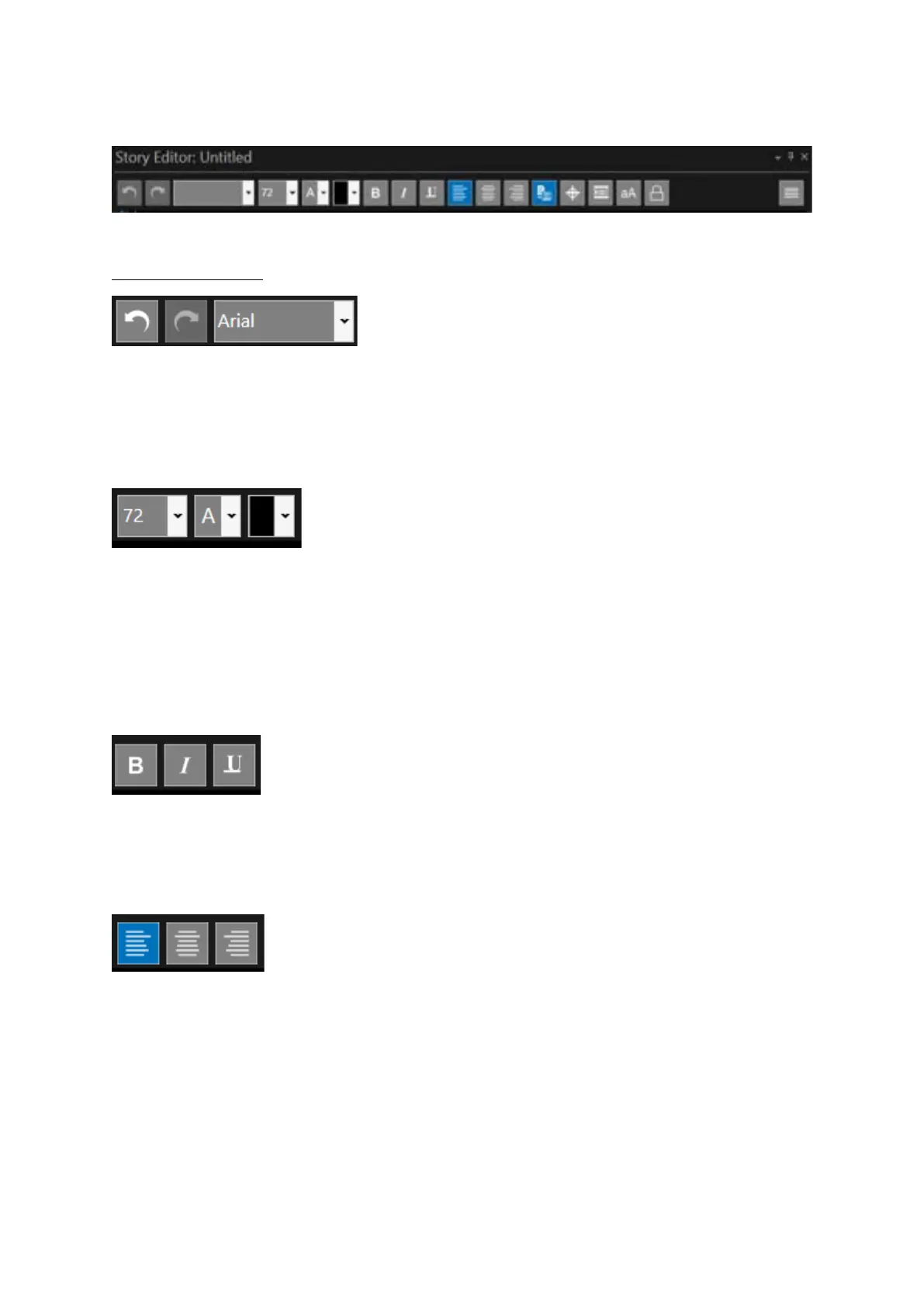
The default icons in the Story Editor toolbar are as follows:
Function of Each Icon
Undo: Undoes last edit
Redo: Redoes last edit
Font: Select font for highlighted text. Also displays font of the text which the cursor is currently on.
Click on pull down to select font.
Font Size: Select font for highlighted text. Also displays font of the text which the cursor is currently
on. Click on pull down to select font size.
Forecolour: Select the colour for highlighted text. Also displays colour of the text which the cursor is
currently on. Click on pull down to select colour.
Backcolour: Select the colour for highlighted text. Also displays colour of the text which the cursor is
currently on. Click on pull down to select colour.
Bold: Forces all selected text to bold
Italics: Forces all selected text to bold
Underline: Forces all selected text to underline
Left Justify: Align text along the left margin.
Centre Justify: Aligned to neither the left nor right margin; there is an even gap on each side of each
line.
Right Justify: Align text along the right margin



 To Next Page