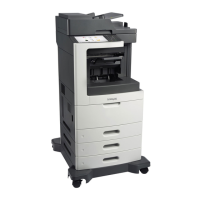
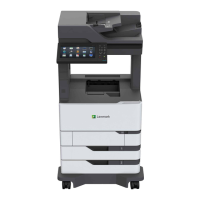
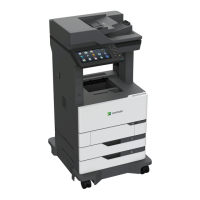
7 Remove the duplex motor. See “Duplex motor removal” on page 345.
8 Remove the media tray. See “Media tray removal” on page 374.
9 Remove the pick roller assembly. See “Pick roller assembly removal” on page 377.
10 Remove the media feeder. See “Media feeder removal” on page 393.
11 Remove the two screws (A) securing the duplex to the machine.
12 Gently lay the printer on its side.
13 Remove the three screws (B) securing the duplex to the machine.
7463
Repair information
367



 To Next Page