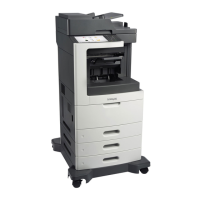
Stapler/offset stacker spring with string removal
1 Open the rear door, and detach the string (A).
2 Remove the right cover. See “Stapler right cover removal” on page 617.
3 Remove the spring (B) with string.
Installation note: Pay attention to the original position of the string. The string on the pulley is wound
clockwise.
7463
Repair information
601



 To Next Page