ASSEMBLING THE WINDROWER
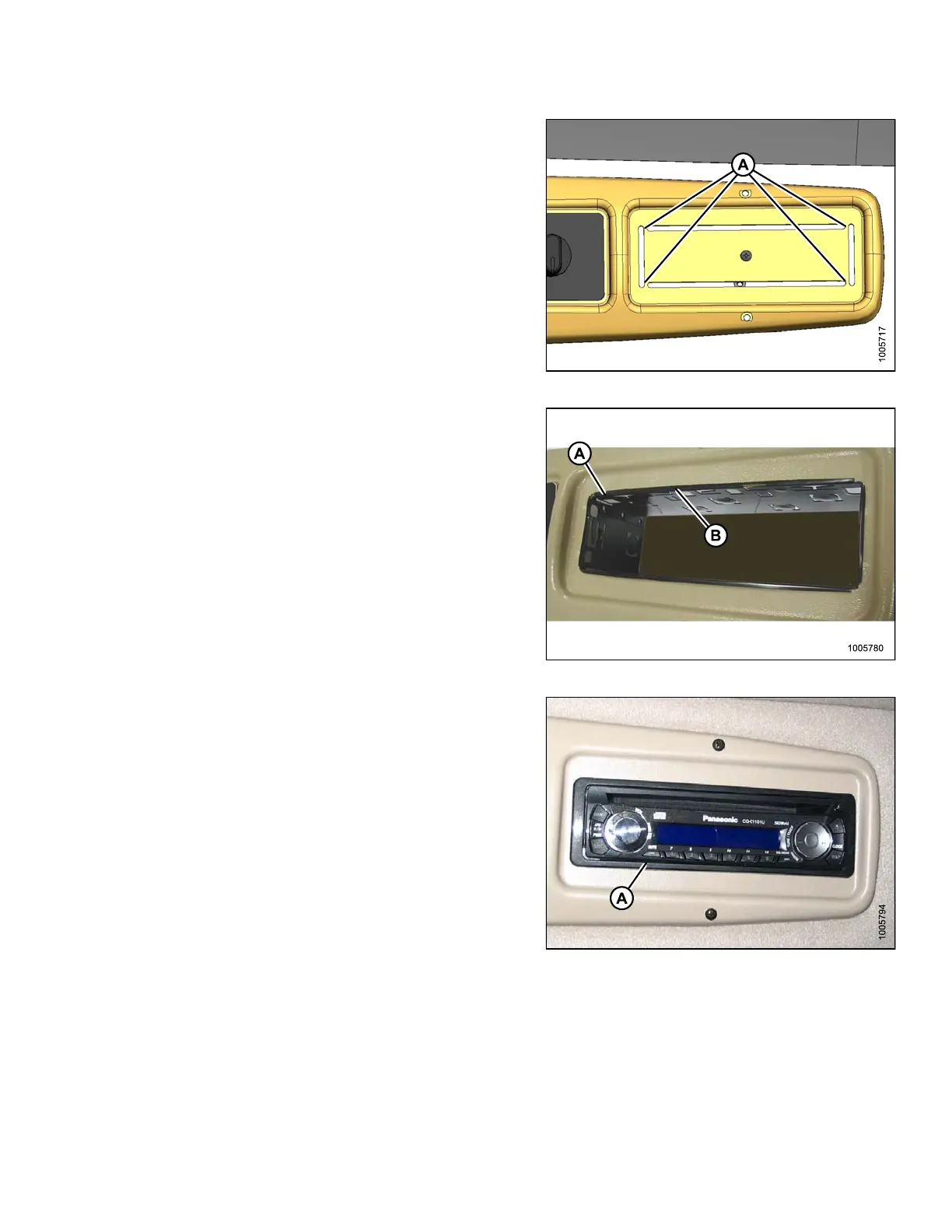
4. Remove the cutout by cutting the tabs (A) in the panel.
Remove sharp edges from the panel.
Figure 3.140: Panel
5. Position receptacle (A) (supplied with radio) into
opening and secure by bending tabs (B) on receptacle
against panel.
Figure 3.141: Radio Receptacle
6. Insert radio into receptacle and attach radio bezel.
Ensure radio locks into position and faceplate (A) is
against the panel.
Figure 3.142 : Radio Installed
147962 91 Revision A



 To Next Page