PERFORMING PREDELIVERY CHECKS
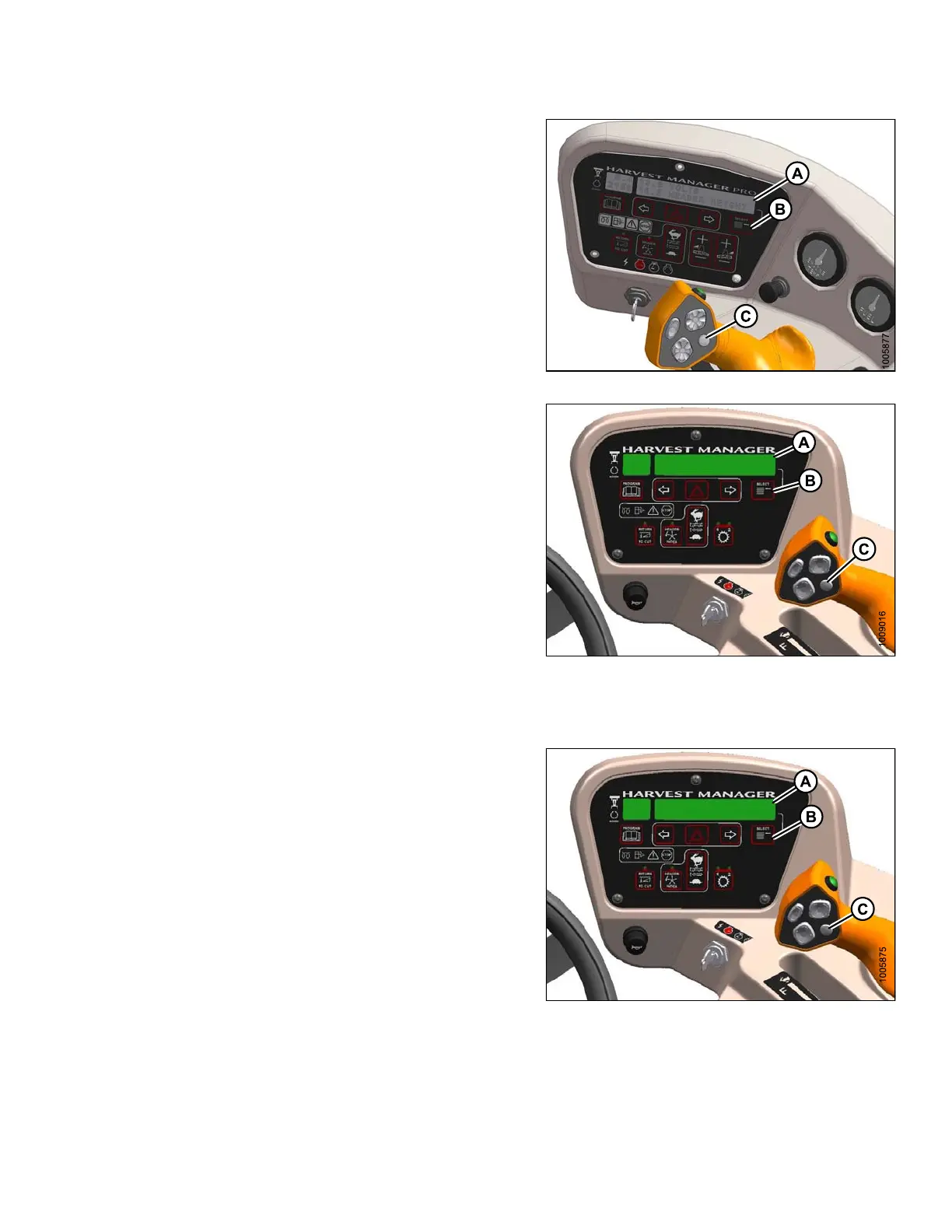
2. Ensure the CDM display (A) is working by pushin g the
SELECT (B) button on the C DM or the SELECT (C)
button on the ground speed lever (GSL).
Figure 5.30: M155/M205 CDM
Figure 5.31: M105 CDM
5.11.6 Checking Cab Display Module (CDM) Display on an M105
1. Ensure the CDM display (A) is working by pushing
SELECT (B) on CDM, or SELECT button (C) on ground
speed lev er (GSL).
Fi
gure 5.32: Cab Display Module (CDM)
147962 339 Revision A



 To Next Page