CAB DISPLAY MODULE (CDM)
4.7.4 Forcing a Header ID
The header mus
t be attached to the windrower to troubleshoot certain issues. If damage has occurred to the
header wiring
or no header is available, you can force the windrower control module (WCM) to read a header ID.
The WCM revert
s to reading NO HEADER each time the engine ignition is cycled.
IMPORTANT:
Forcing a Header ID that is different from the attached header can damage the windrower and header. Doing so
can lead to vibration, belt failures, and other over-speeding related problems.
1. Turn ignition key to RUN, or start the engine.
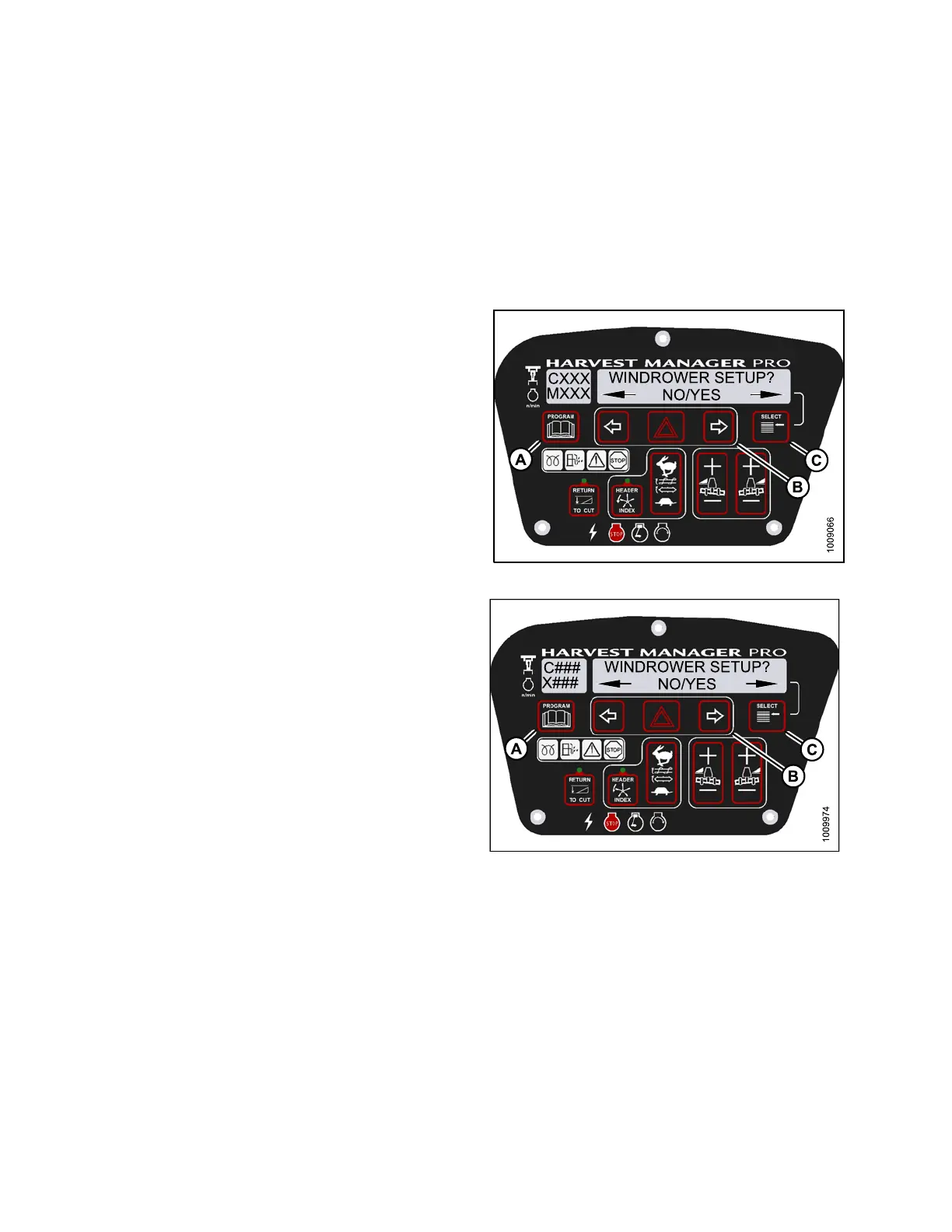
2. Press PROGRAM (A) and SELECT (C) on cab display
module (CDM) to enter Programming Mode.
• WINDROWER SETUP? is displayed on the
upper line.
Figure 4
.259: M155 CDM P rogramming Buttons
Figure 4.260: M205 CDM P rogramming Buttons
147962 264 Revision A



 To Next Page