ASSEMBLING THE WINDROWER
3.7 Removing Battery Shipping Shield
NOTE:
This procedure does not apply to the M105.
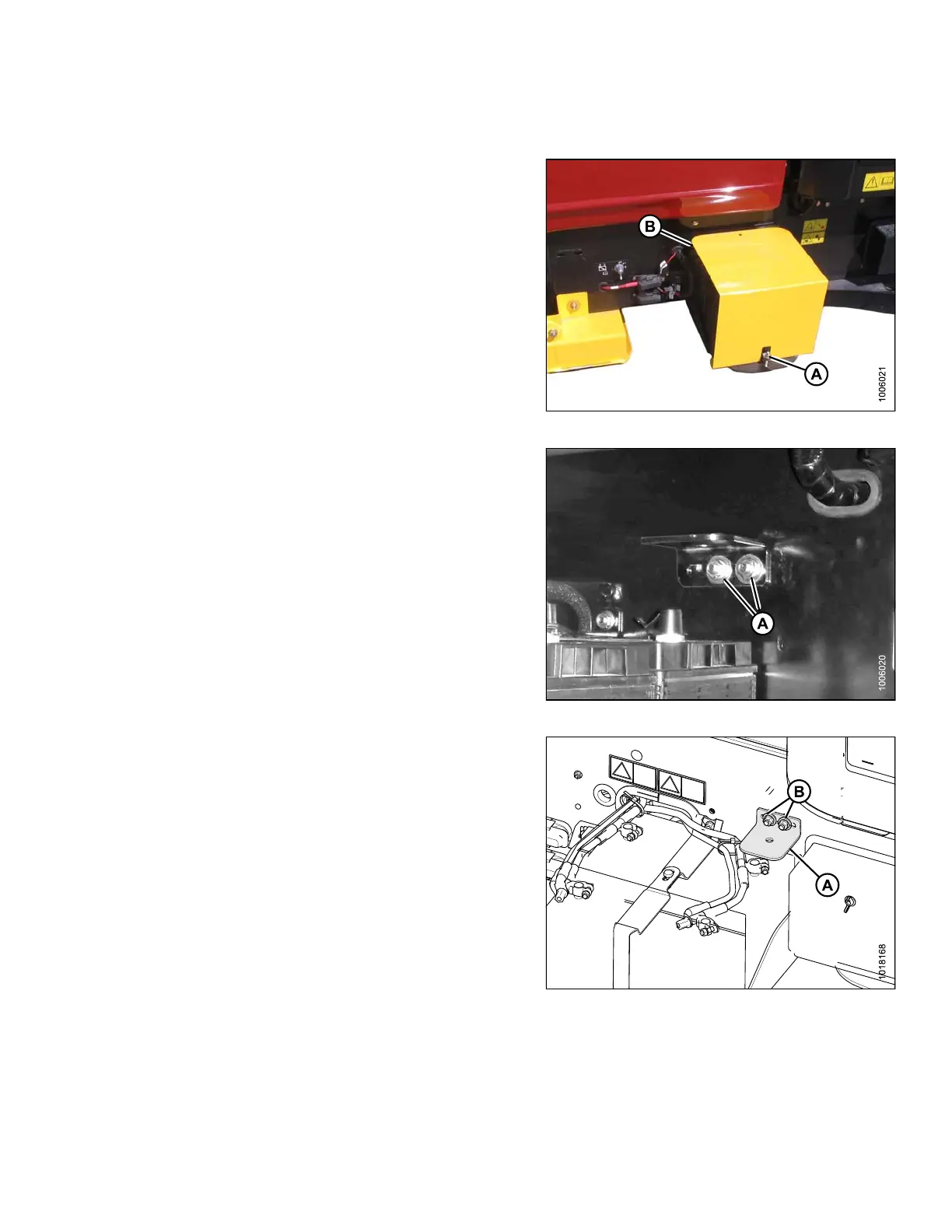
1. Loosen nut (A
) on the battery clamp.
2. Slide shield
(B) out from under the battery and discard.
3. Tighten nut (
A) on the battery clamp.
Figure 3.80: Battery Shipping Shield
4. Rem ove one of the two bolt s (A) a nd nuts, and loosen
the other.
Figure 3.81: Bracket Shipping Position
5. Rotate angle (A) 180°, align holes, and reinstall the
bolt (B) and nut. Leave bolts loose.
Figure 3.82: Bracket Repositioned
147962 61 Revision A



 To Next Page