CAB DISPLAY MODULE (CDM)
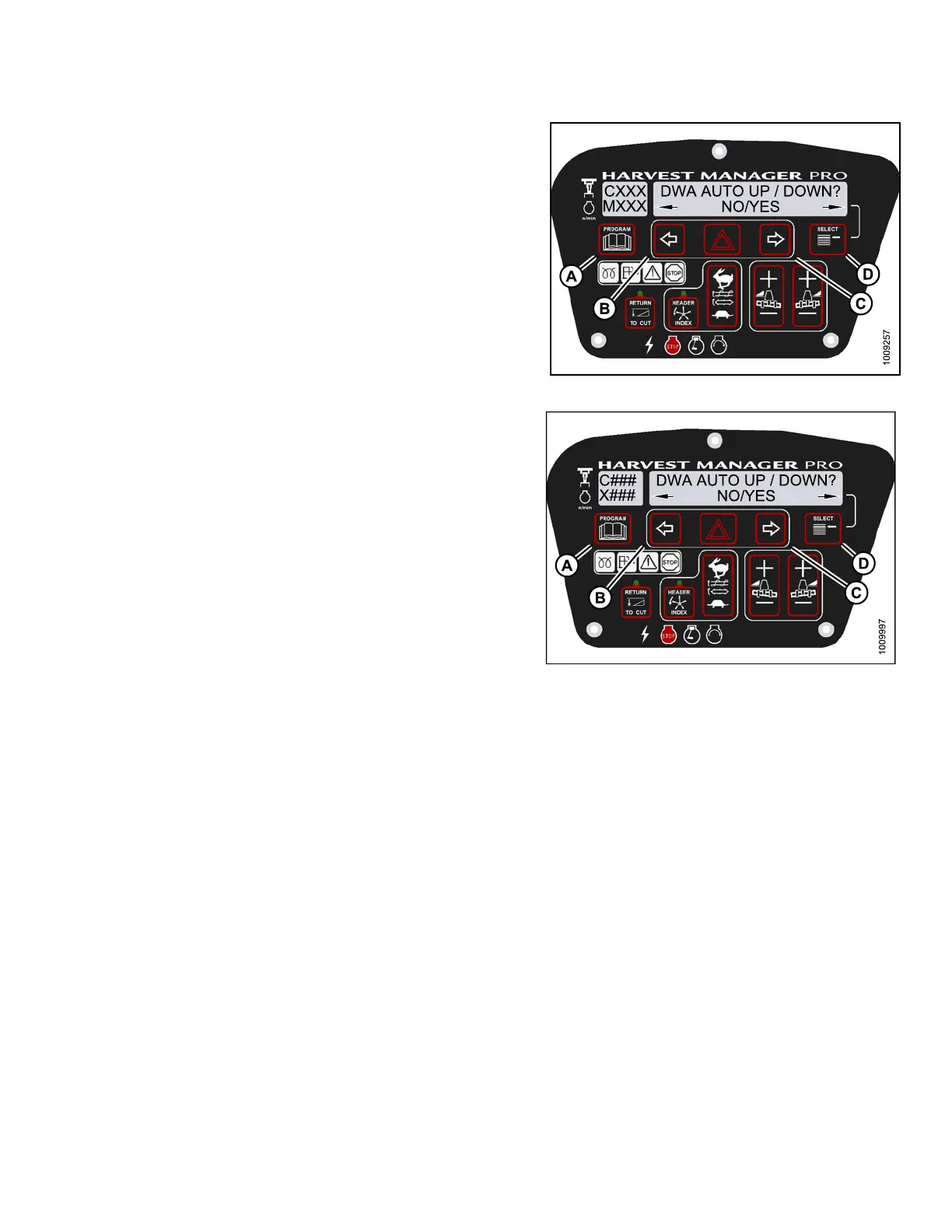
7. Press right (C) arrow to select YES. Press
SELECT (D).
• DWA AUTO UP/DOWN? is displayed on the
upper line.
• NO/YES is dis playe d on the lower lin e .
NOTE:
If the Operator selects YES, the DWA Auto-Up
function will be activated by the GSL Reel
Fore-Aft button.
8. Press right (C) arrow to select YES. Press
SELECT (D).
9. Press PROGRAM to exit Programming Mode or
press SELECT to proceed to next WINDROWER
SETUP action.
Figure 4.1
24: M155 DWA Auto Up/Down
Figure 4.125: M205 DWA Auto Up/Down
4.4.13 Setting the Auto Raise Height
NOTE
:
The h
eader MUST be attached to the windrower to perform this procedure. The cab display module (CDM)
auto
matically adjusts its programming for each header.
147962 207 Revision A



 To Next Page