PERFORMING PREDELIVERY CHECKS
5.11.10 Check
ing H orn
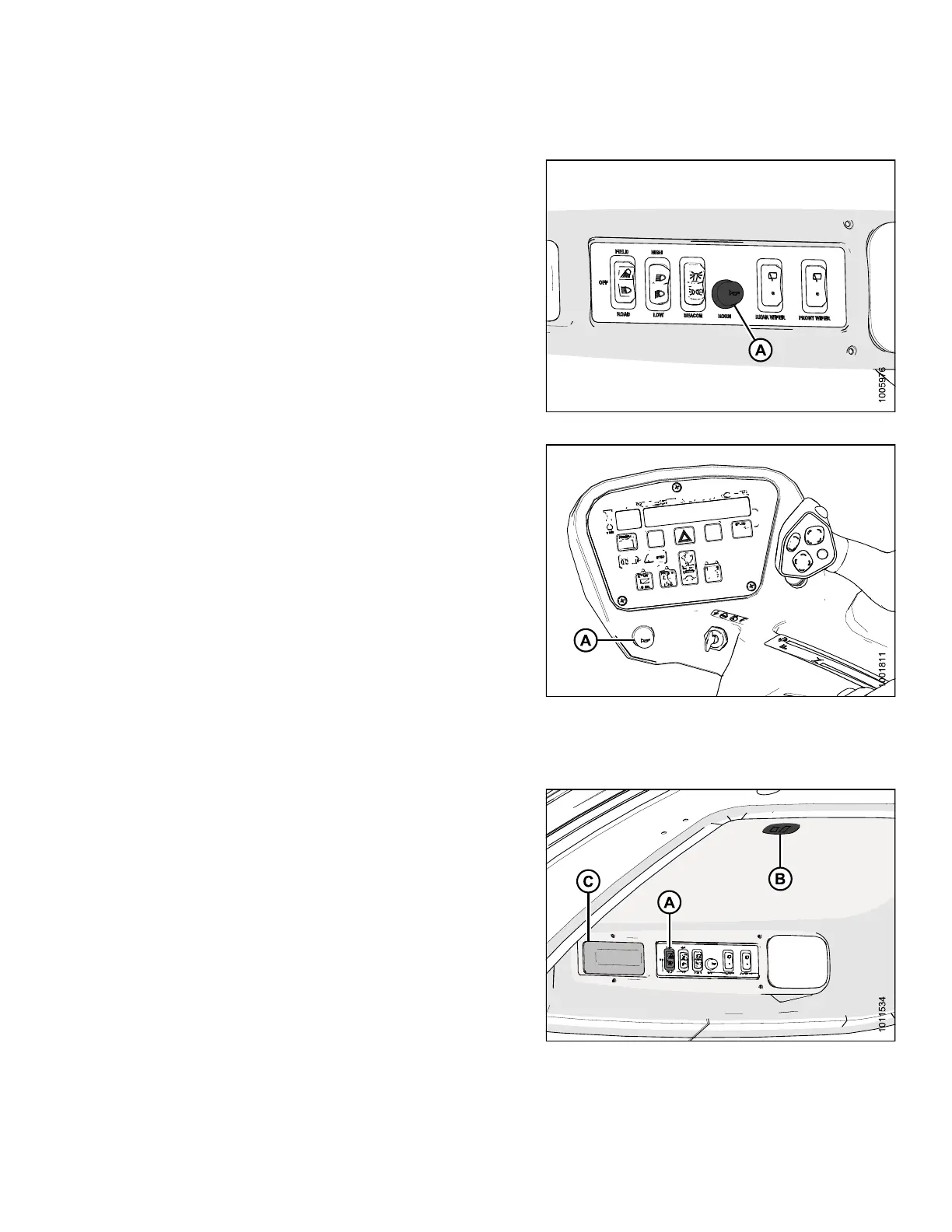
1. Push HORN button (A) and listen for horn.
Figure 5.43: M155/M205 Horn Button
Figure 5.44: M105 Horn Button
5.11.11 Checking Interior Lights
1. Switch road and field lights ON and OFF using
switch (A).
NOTE
:
Ambi
ent light in roof liner (B) and interior light (C)
work
only when road or field lights (A) are
swi
tched ON.
Fig
ure 5.45: Interior Lights
147962 349 Revision A



 To Next Page