MAX32660 User Guide
Maxim Integrated Page 25 of 195
SYSCLK drives the Arm® Cortex-M4 with FPU and is used to generate the following internal clocks:
• Advanced High-Performance Bus (AHB) Clock
• Advanced Peripheral Bus (APB) Clock,
The Real-Time Clock (RTC) uses the 32.768kHz oscillator for its clock source.
All oscillators are reset to their POR reset default state during a Power-On Reset, System Reset and a Watchdog Reset.
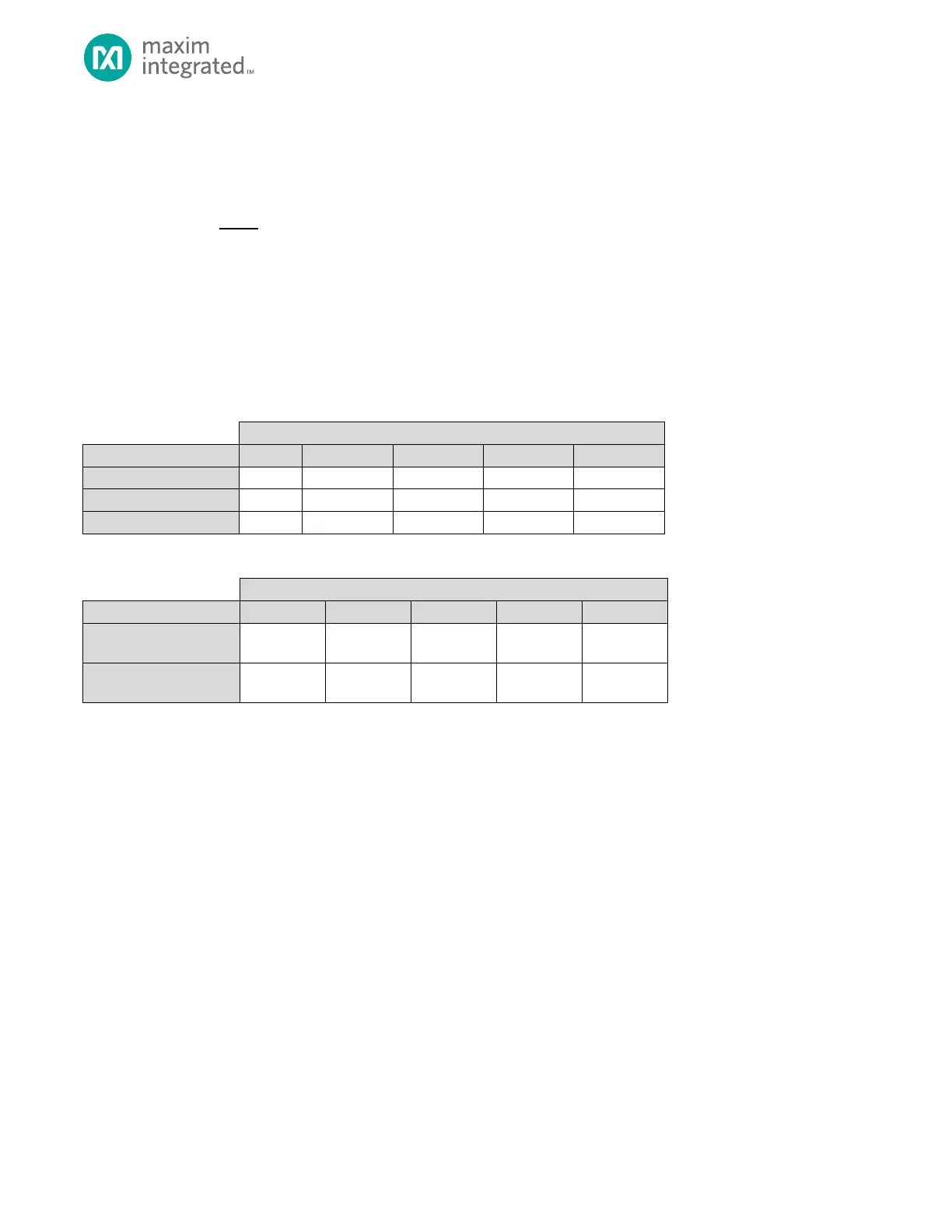
Oscillator settings are not reset during a Soft Reset or Peripheral Reset. Table 4-3
each type of reset source in the MAX32660. Table 4-4 details the effect each reset source has on the System Clock selection
and the System Clock prescaler settings.
Table 4-3: Reset Sources and Effect on Oscillator Status
4.3 Oscillator Sources and System Clock Selection
Before using any oscillator, the oscillator must first be enabled by setting its corresponding enable bit in the System Clock
Control Register, GCR_CLK_CTRL. Before setting any oscillator as SYSOSC, its corresponding oscillator ready bit in the
GCR_CLK_CTRL register must first be checked.
Once the corresponding oscillator ready bit is set, the oscillator can then be selected as SYSOSC by configuring the Clock
Source Select field (GCR_CLK_CTRL.clksel
oscillator as the SYSOSC.
Any time firmware changes SYSOSC by changing GCR_CLK_CTRL.clksel, the Clock Ready bit, GCR_CLK_CTRL.clkrdy, is
automatically cleared to indicate that a SYSOSC switchover is in progress. The application should read the clock ready field
until it returns 1. While the clock ready field reads 0, the prior clock is used as the SYSOSC.
Immediately before entering any low-power mode the application must enable any oscillator needed during the low power
mode.
Refer to Table 4-3 and Table 4-4 for details on reset sources and effects on each of the oscillators described below.



 To Next Page