11.5 Sample Processor
■■■■■■■■■■■■■■■■■■■■■■
92
■■■■■■■■
900 Touch Control
11.5 Sample Processor
NOTICE
The following settings apply to all Sample Processors.
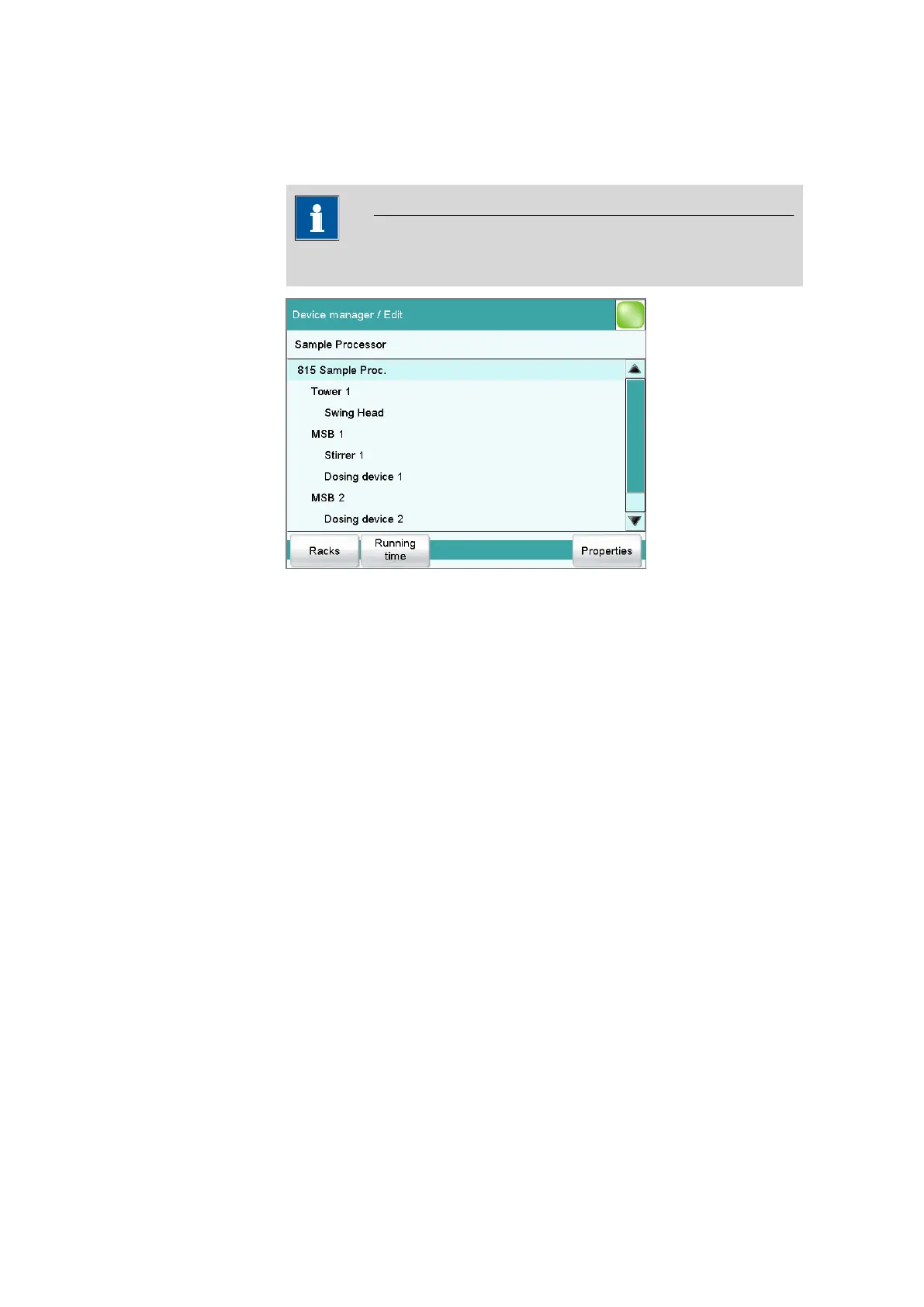
The dialog shows the Sample Processor with its tower (or towers), the
MSB connectors and connected peripheral devices (dosing device, stirrer,
Remote Box). If the control instrument is not connected, then the proper-
ties dialog of the control instrument will be displayed directly (see chapter
11.5.1, page 93).
The settings of the MSB connectors and the connected peripheral devices
are described in Chapter "Properties – MSB connector", page 90.
[Racks]
Configure sample racks (see chapter 11.6, page 100).
[Running time]
Configure the running time meter.
The running time meter adds together the time while the Sample Pro-
cessor is "busy" i.e. when an action is being carried out. A message with
the prompt to service the device is displayed after expiry of the time limit
set here. We recommend to carry out a service after 1,000 operating
hours. A reset of the running time meter can only be carried out by a
Metrohm service engineer.
[Properties]
Open the properties dialog of the highlighted entry.















 To Next Page