■■■■■■■■■■■■■■■■■■■■■■
16 Methods
900 Touch Control
■■■■■■■■
167
16 Methods
16.1 Creating a new method
Proceed as follows to create a new method:
1
Opening the method table
■ In the main dialog, tap on [Load method].
■ Tap on [New method].
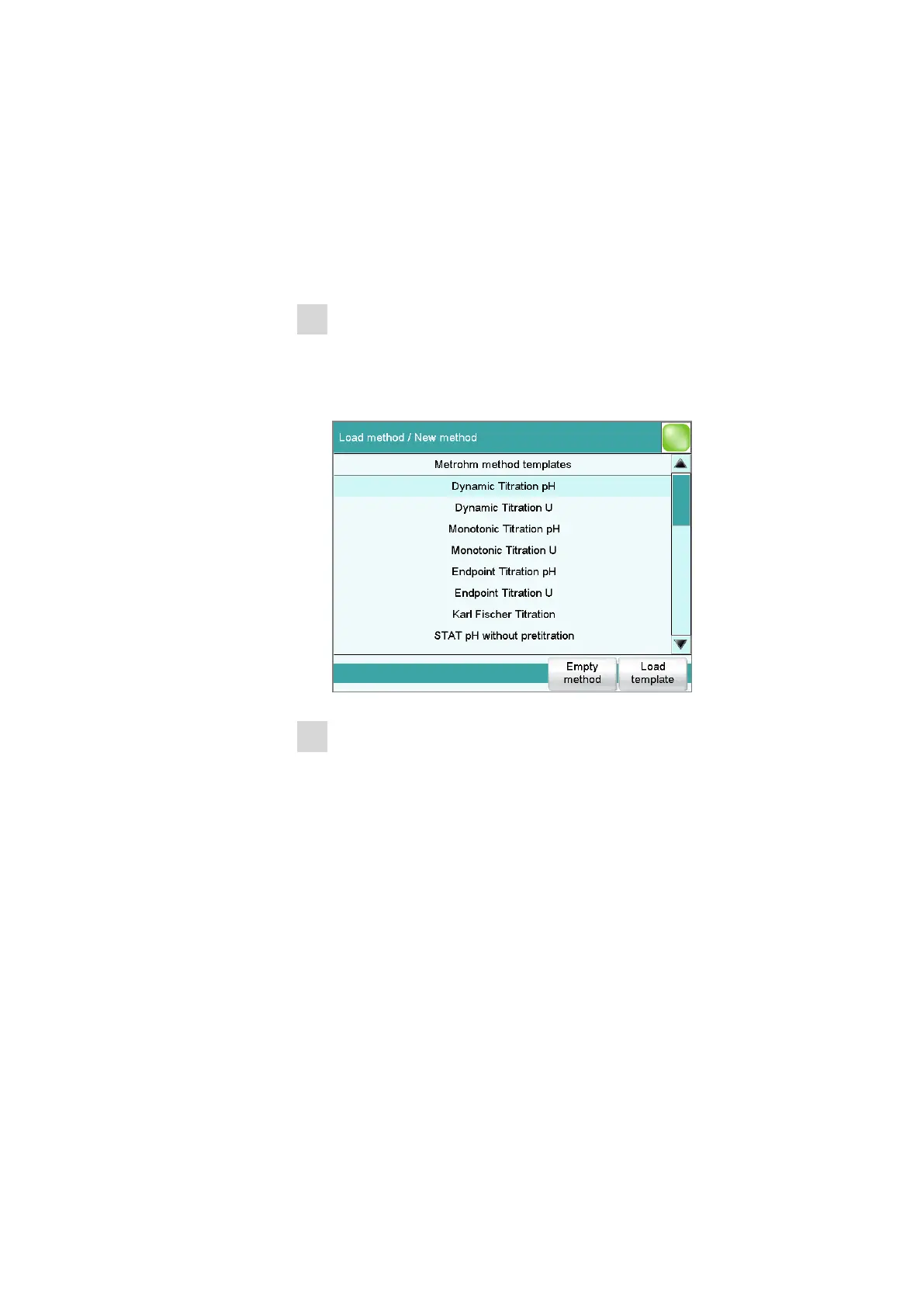
The method table with the stored templates opens:
2
Loading the method
■ Tap on [Empty method].
or
■ Select the desired template and tap on [Load template].
The method is now loaded. New method is displayed in the main
dialog in the title line.
If a new method has been created, then the individual parameters can be
modified with [Edit parameters].















 To Next Page