7.1 General system settings
■■■■■■■■■■■■■■■■■■■■■■
22
■■■■■■■■
900 Touch Control
7 System settings
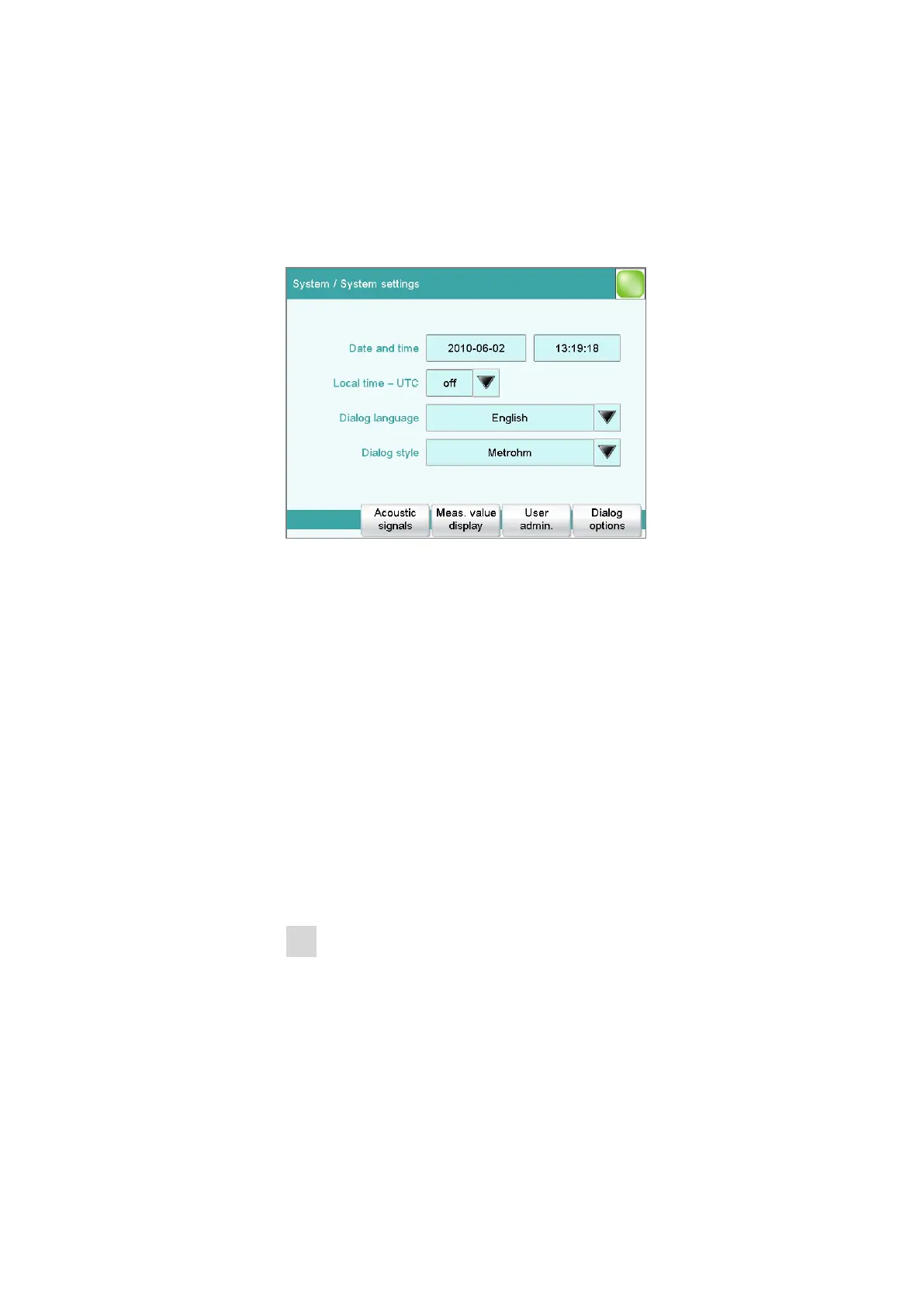
Main dialog: System ▶ System settings
This chapter describes the various system settings and configurations.
■ Selecting the dialog language (see chapter 7.1.1, page 22).
■ Setting the date and time (see chapter 7.1.2, page 23).
■ Defining system-specific dialog options (see chapter 7.2, page 24).
■ User administration (see chapter 7.3, page 28).
■ Defining settings for the measured value display (see chapter 7.4, page
40).
■ Configuring settings for acoustic signals (see chapter 7.5, page 40).
7.1 General system settings
7.1.1 Selecting the dialog language
The user interface is available in several languages. In addition to the two
default dialog languages English and German, additional languages can
be selected.
Proceed as follows to select the dialog language:
1
Opening the system settings
■ In the main dialog, tap on [System].
■ Tap on [System settings].
The System / System settings dialog is displayed.















 To Next Page